Page 24
UsingtheConfigur ationMenu
Whenever you want to configure your TEW-650AP, you can access the Configuration Menu by opening
the Web-browser and typing in the IP Address of the TEW-650AP.
¾ Open the Web browser.
¾ Type in the current IP Address of the AP (i.e. http://192.168.10.100
).
If you have changed the default IP Address assigned to the TEW-650AP (192.168.10.100),
make sure to enter the correct IP Address.
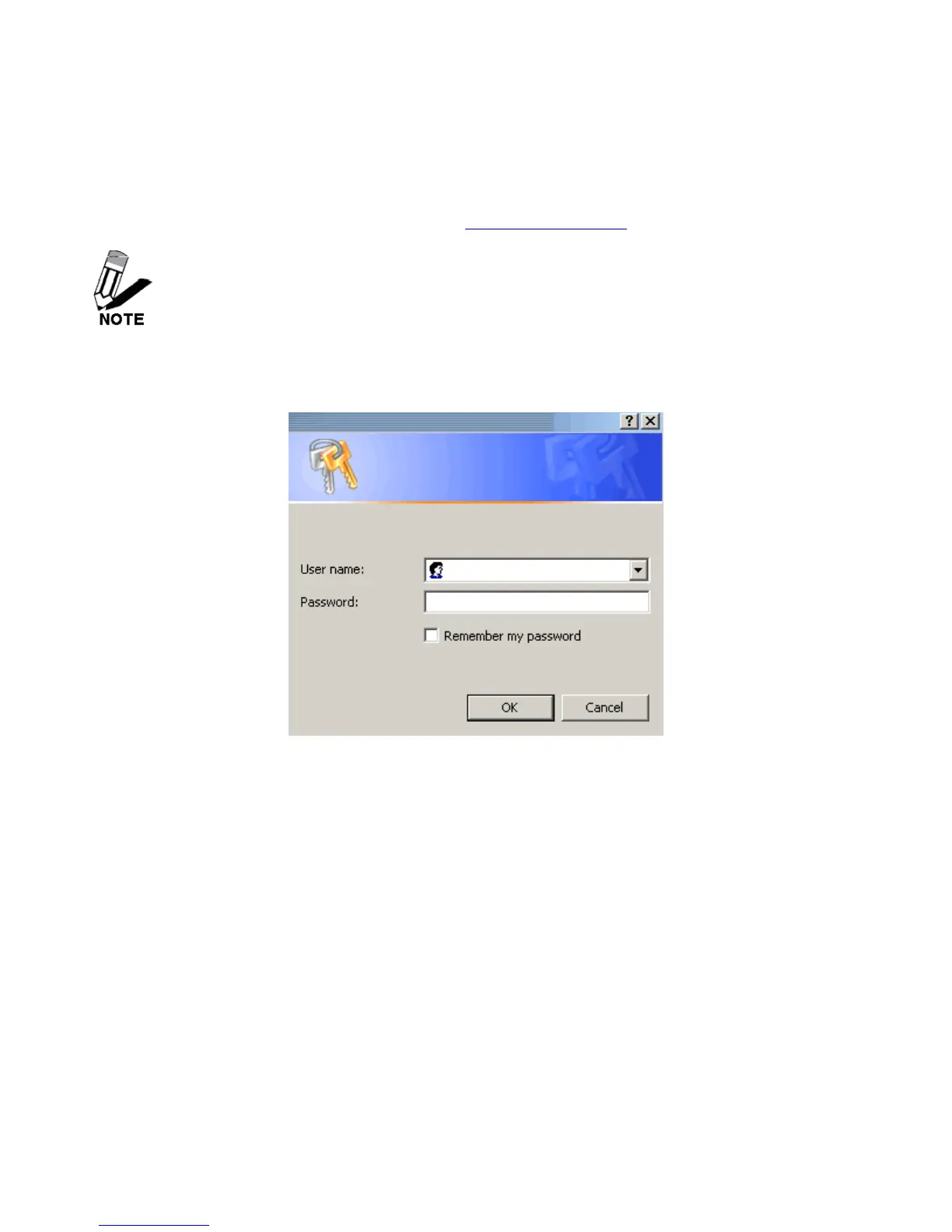
¾ Type admin in the User Name field.
¾ The Password is admin.
¾ Click Login In.













 To Next Page