TEW-753DAP User’s Guide System Conguration
© Copyright 2013 TRENDnet. All rights reserved.
51
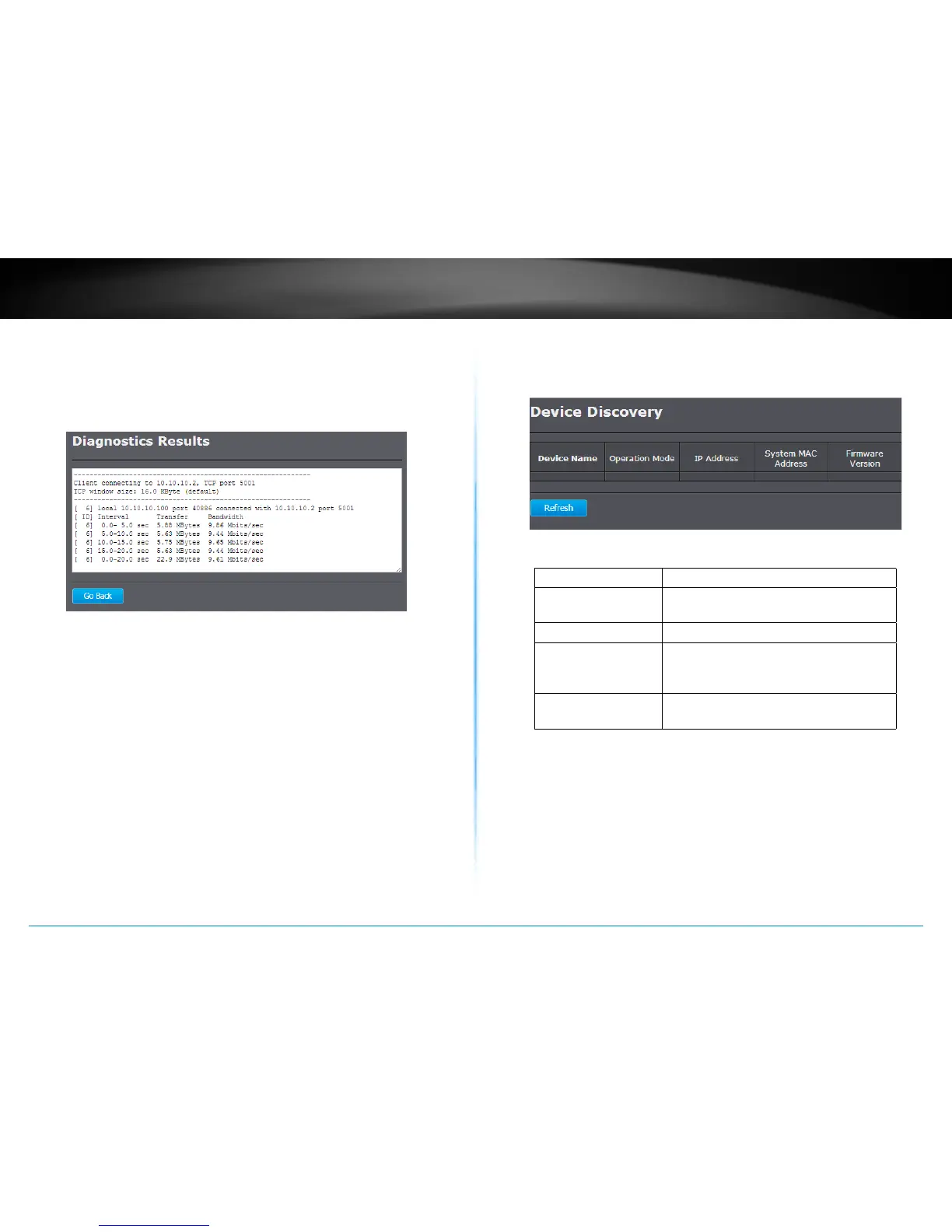
Speed Test
Setup an iperf server. Enter the server address as the
Target Address, Time Period, Check Interval and then click
Start Speed Test to start the speed test tool. The default
IPv4 test port is 5001 and the IPv6 test port is 5002.
Device Discovery
The TEW-753DAP can discover other TEW-753DAPs on neighboring
wired or wireless network.
Device Name : Device name of neighbor TEW-753DAP.
Operaon Mode : Which operaon mode the neighbor TEW-
753DAP is running.
IP Address : IP address of neighbor TEW-753DAP
System MAC Address : System MAC address (LAN/ 2.4GHz
wireless interface MAC address) of
neighbor TEW-753DAP.
Firmware Version : Firmware version the neighbor TEW-
753DAP is running.
Refresh :
Click this buon to discover the
neighboring devices.


 To Next Page
 Loading...












