TEW-753DAP User’s Guide System Conguration
© Copyright 2013 TRENDnet. All rights reserved.
52
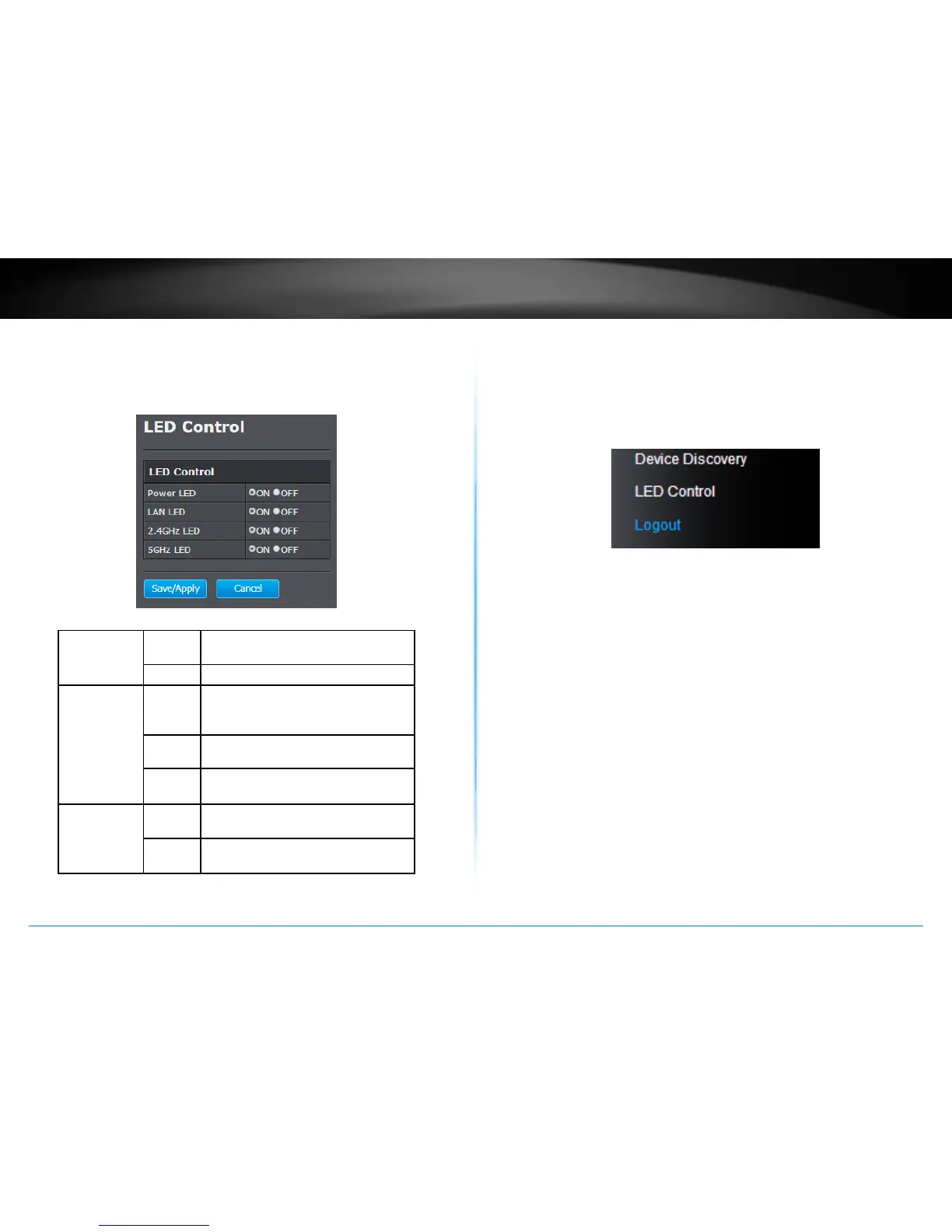
LED Control
All LED indicators are turned on by default. You can turn any one of
them or all of them on or o. Click the LED you want to turn on or o
and then click Save/Apply to save and apply the changes.
Power LED OFF Powered o or LED display is
disabled
ON Powered on
Network LED
Orange: 10/100
Green: Giga bit
OFF No network connecon detected
through Ethernet port (PoE) or LED
display has been disabled
ON Network connected through Ethernet
port (PoE)
Flashing Network acvies are detected on
Ethernet (PoE) port
Wireless LED
Orange: 2.4GHz
Green: 5GHz
OFF No wireless network connecon or
LED display is disabled
Flashing Wireless network acvies are
detected
Logout
Logout from the management page. The TEW-753DAP allows only one
management login at the same me. If you want to access the TEW-
753DAP from dierent computer, remember to logout of the web
management page rst.


 To Next Page
 Loading...












