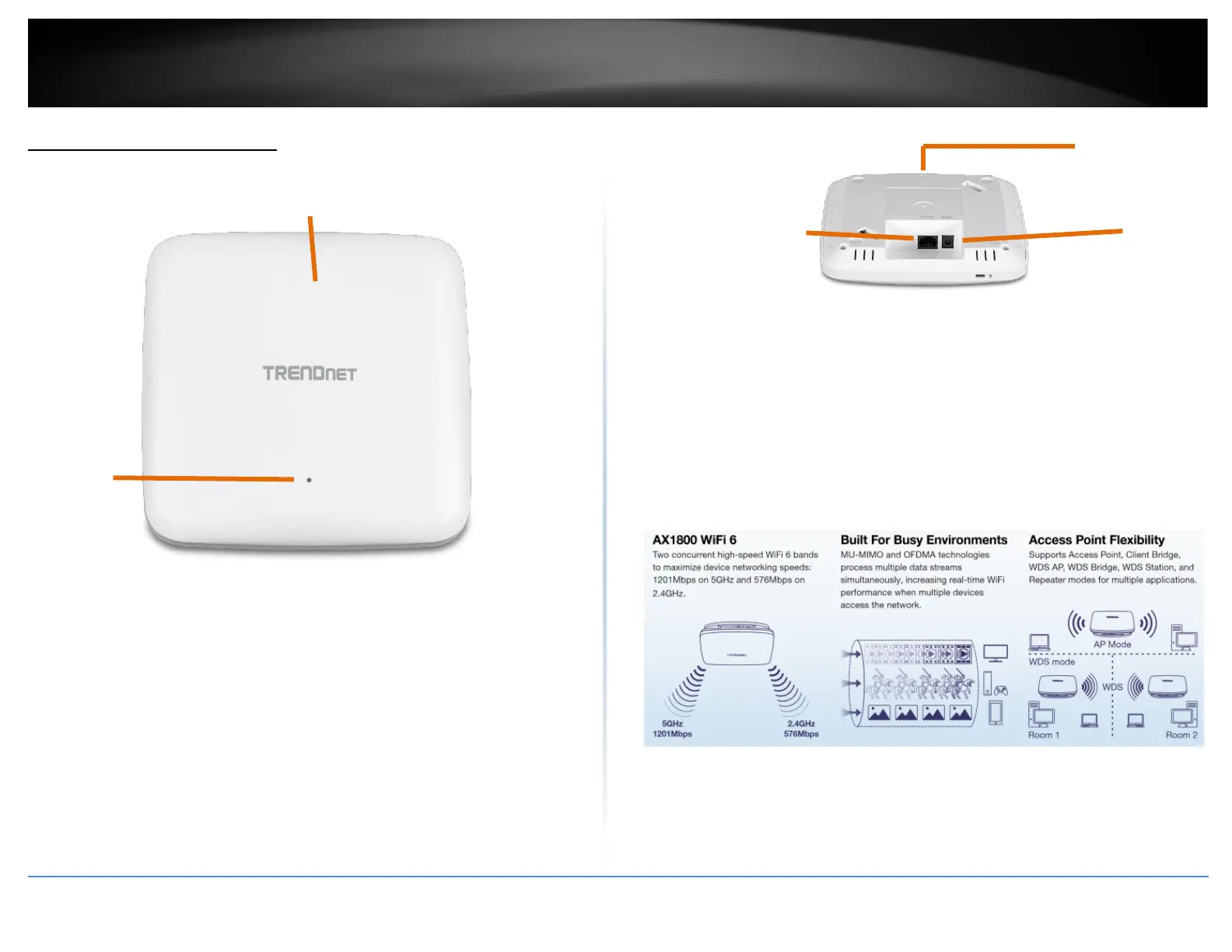
Product Hardware Features
• PWR: This indicator turns green when the device is powered.
• Gigabit PoE port: Plug an Ethernet cable (also called network cables) from
your access point to your router and wired network devices. The Gigabit port
complies with standard 802.3af/at PoE/PoE+ so you can connect to connect the AP
to a PoE switch or injector that complies with 802.3af/at.
• Power port (optional): If you are not using PoE to power the AP, you can connect
the power adapter from your access point power port to an available power outlet.
• Reset button: Use a sharp tool to press and hold this button for 15 seconds to
reset the access point.














 To Next Page