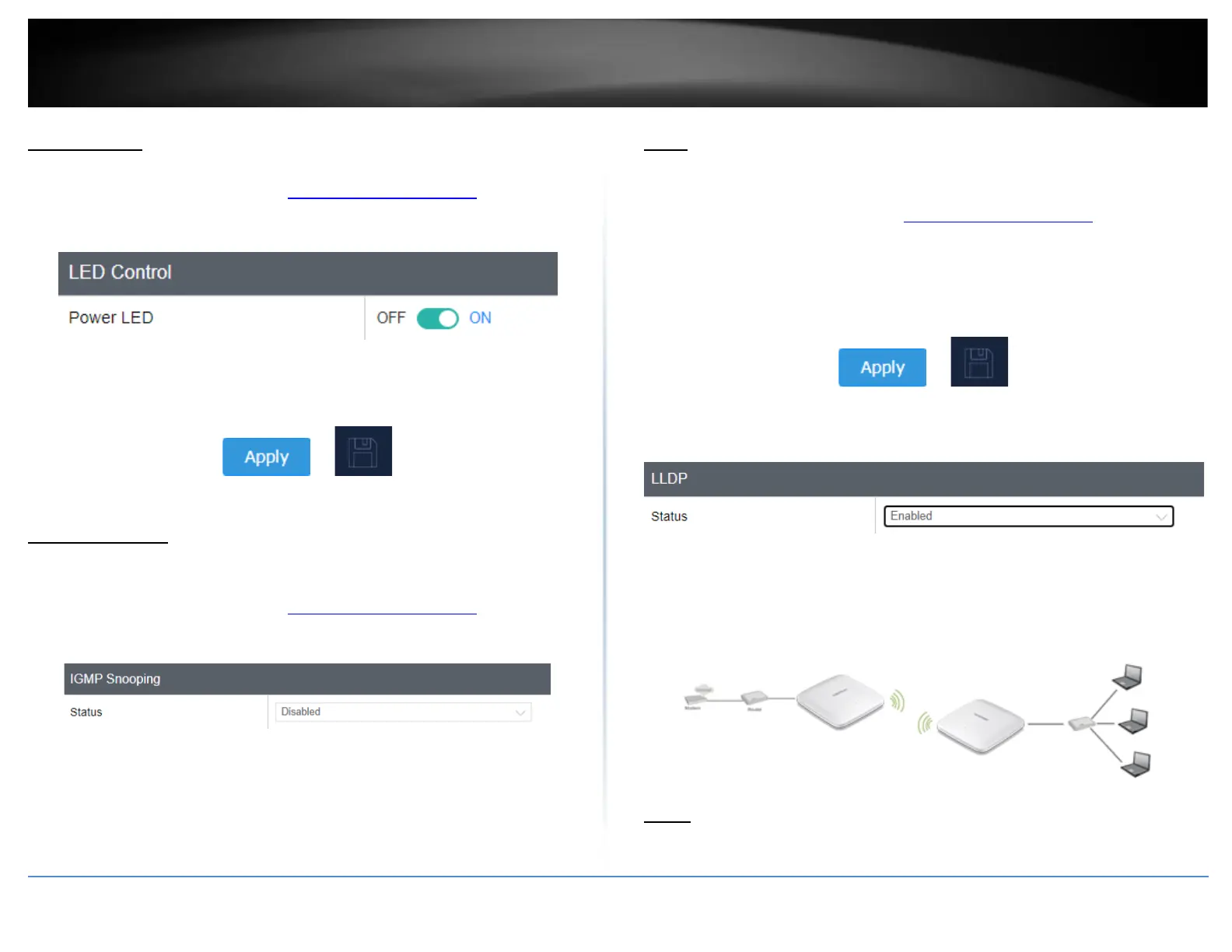
LED Controls
System > LED Control
1. Log into your management page (see “Access the management page” on page 13).
2. Click on the System tab and click LED Control.
3. Review the settings and click Save to save settings.
• Power LED: Select On to leave Power LED on or Off option to turn off.
4. Click on Apply button to apply the settings and then click on the Save button located
on the top right section to save the settings.
IGMP Snooping
System > IGMP Snooping
1. Log into your management page (see “Access the management page” on page 13).
2. Click on the System tab and click LED Control.
3. Review the settings and click Apply to save the settings.
• Status: Select Enable to enable IGMP Multicast traffic
LLDP
System > LLDP
1. Log into your management page (see “Access the management page” on page 16).
2. Click on the Management tab and click SSH Management.
3. Select Enable to enable LLDP. Enabling LLDP allows network devices to advertise
information about themselves to other devices on the network.
4. Click on Apply button to apply the settings and then click on the Save button located
on the top right section to save the settings.
Client Bridge
Basic
Wireless (2.4GHz or 5GHz) > Wireless Network














 To Next Page