36
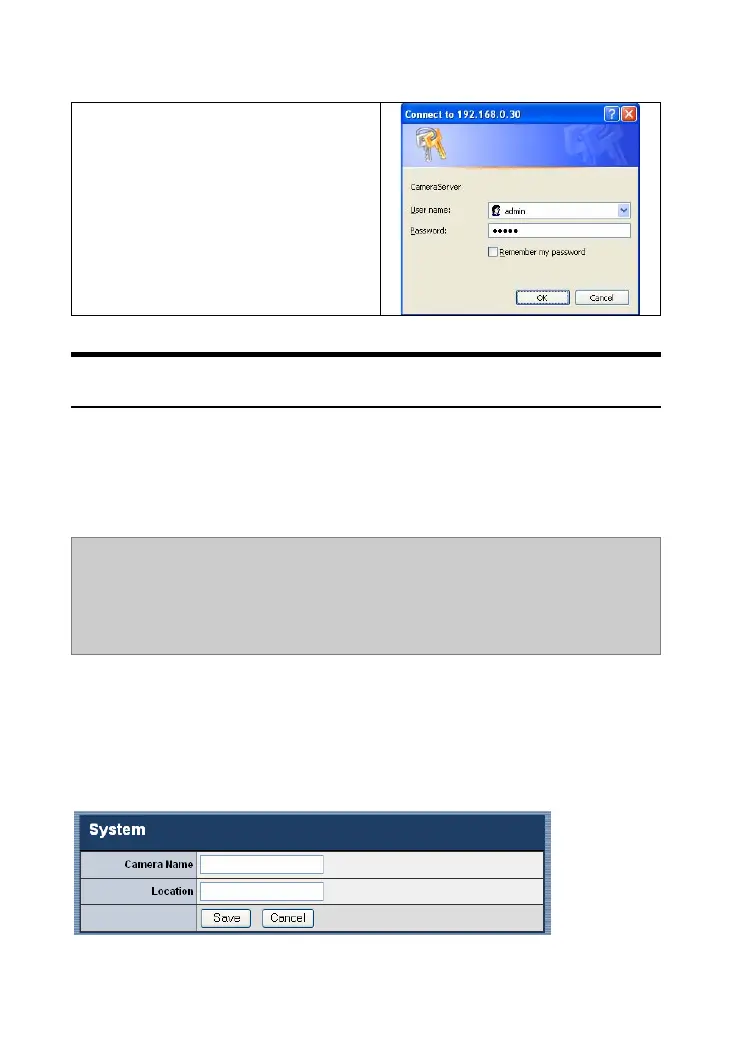
Click System Administration. A
login dialog window will appear.
Type the default User name/
Password (admin/admin) in the
corresponding boxes. Then, click
OK to enter the Configuration
Utility.
System Administration
The Configuration Utility contains eleven options in the left menu
bar: Home, System, Date/Time, Video/Audio, Network, Users,
Trigger, Upload, RS485, Information and Tools.
TIP: Once you have changed the settings in each option, click Save to
store the settings, click Cancel to abandon, or click Refresh to reload the
status. During the configuration, when you click Home in the left menu
bar, the Welcome screen will appear.
System
The System window contains the settings for identifying the
camera, including Camera Name and Location.



 To Next Page