55
View Image – Java Mode
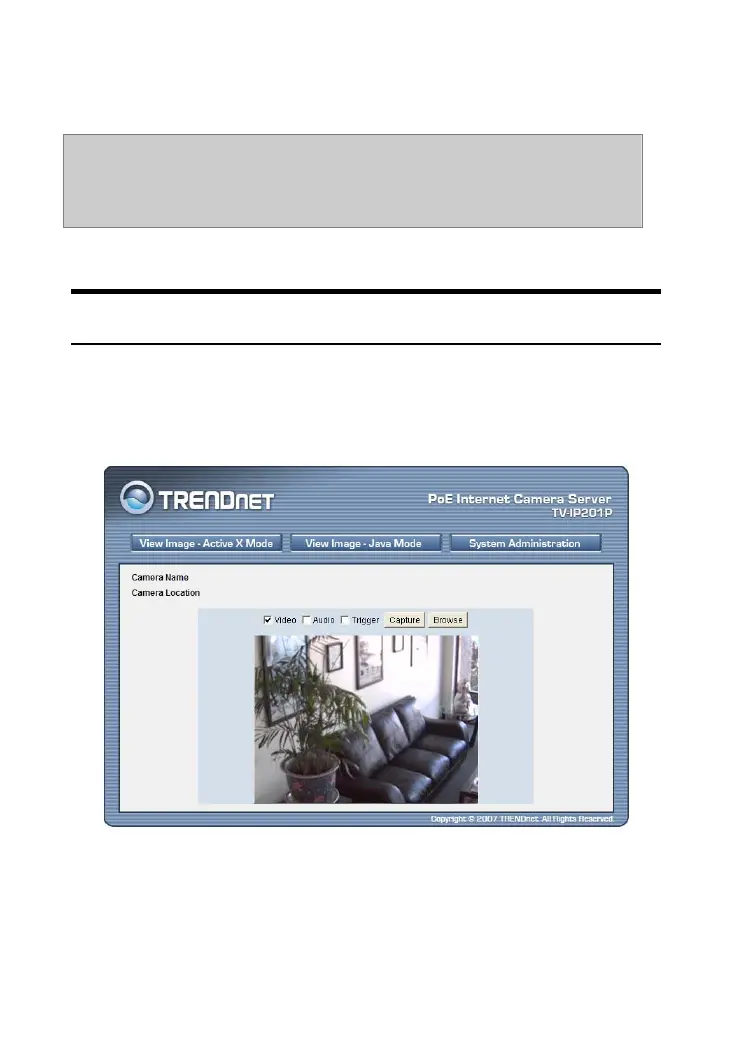
To view video images from the browser, click View Image –
Java Mode from the Welcome screen to access the video images
from your browser as illustrated below:
Camera Name/Location: The Camera name and location will be
displayed when the Camera Name/Location fields are entered in
the Web Configuration Utility.
NOTE: In the View Image screen (ActiveX mode and Java mode),
Preset Position will be unavailable when you select Custom
Command.










 To Next Page