Seeker D User’s Guide
Document Num., Rev. 4May 2018 Page 39
Tagged Signal Detected
(Secondary Frequency)
1
2
3
Alternate Frequency
Display
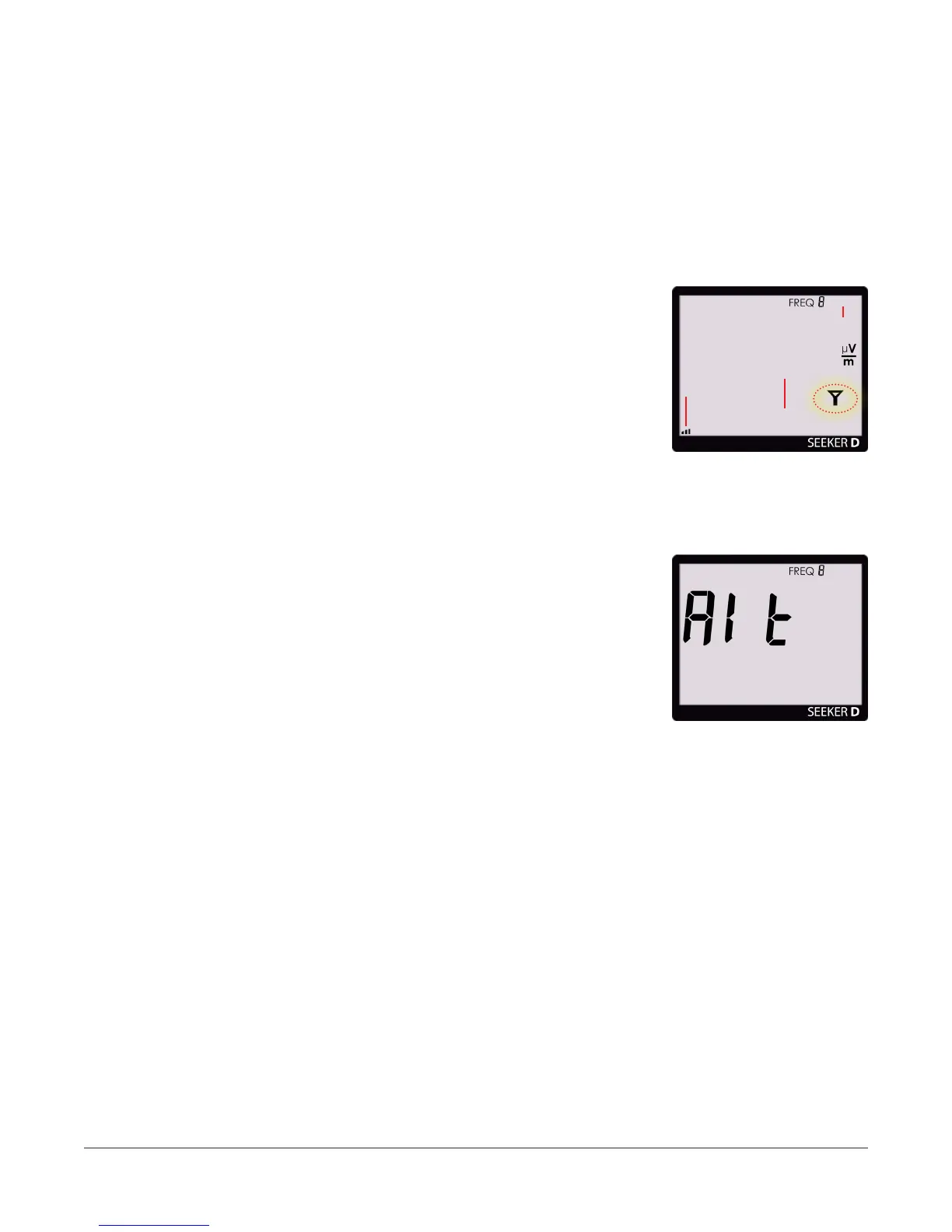
Tagged Signal Detected on Secondary Frequency
If there is a signal detected for the secondary frequency and it contains the CT-4
channel tag, the following will occur:
1. The audible tone will sound proportional to signal
strength.
2. The bar graph will indicate the relative signal level.
3. The numerical display will remain blank.
4. The Tag icon will not appear in the upper right corner of
the screen.
Secondary Frequency Numerical Display
When the Seeker D is in the Mobile Mount, press the
SNAPSHOT button to numerically display the RF signal level
of the secondary frequency. The screen shown to the right
will be displayed before showing the RF signal level of the
secondary frequency.
After a few seconds, the display will automatically revert to a
numerical display of the primary frequency RF signal level.



 To Next Page
 Loading...
