Seeker D User’s Guide
Document Num., Rev. 4May 2018 Page 67
Bootloader Error Codes
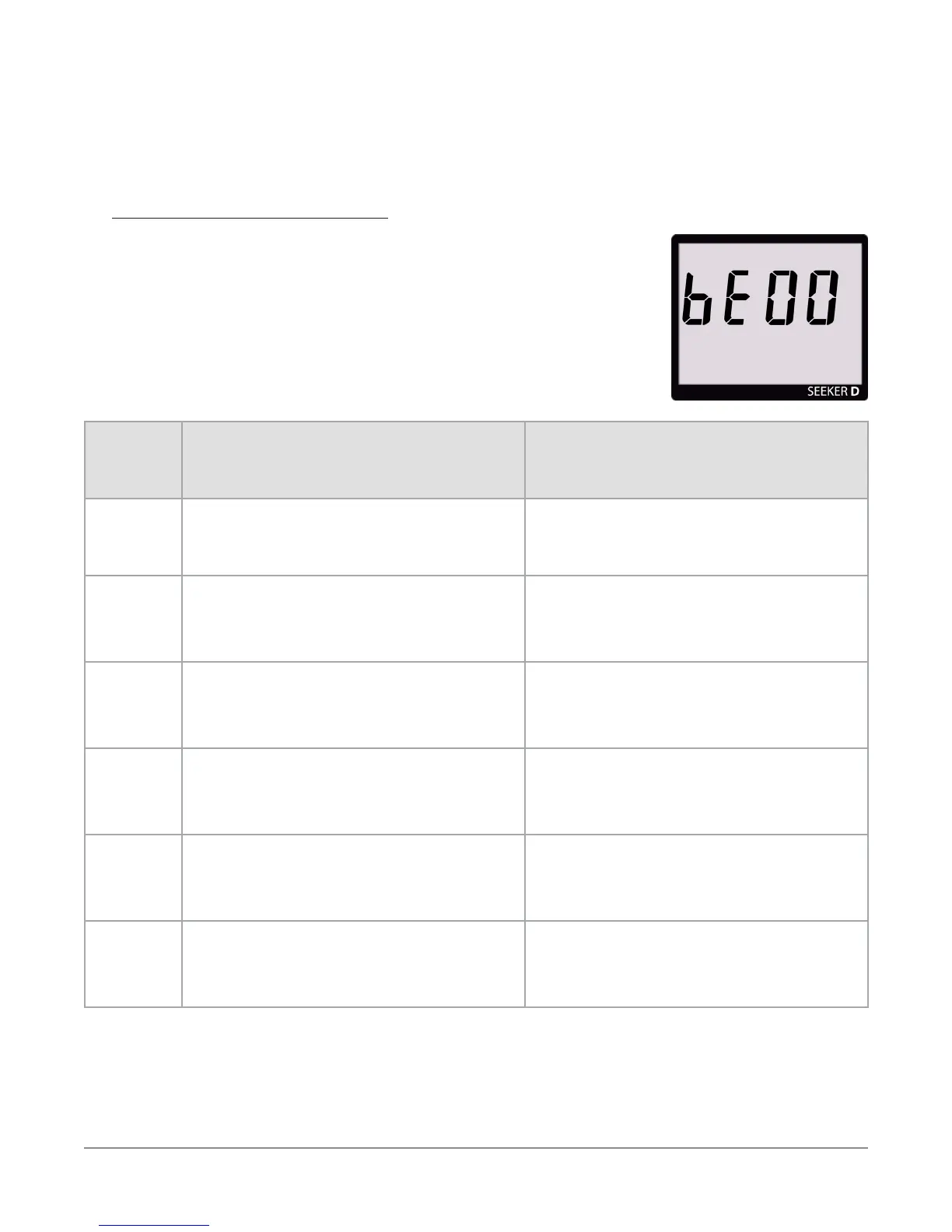
The codes shown below are displayed on the Seeker D
display screen as “bE##” to indicate an error with the Seeker D
bootloader software.
“bE##”
Code
Error Description Solution
01 Loading factory backup
Continue by pressing the SELECT
button.
02 Flash ID is invalid
Cycle power on the unit, if the error
persists return the device to the factory
for repair.
03 No application
Cycle power on the unit, if the error
persists return the device to the factory
for repair.
04 Failed to load application
Cycle power on the unit, if the error
persists reload the application software
using Seeker Setup.
05 Application failed verication
Cycle power on the unit, if the error
persists reload the application software
using Seeker Setup.
06 No application and battery is too low
Recharge battery and retry. If the
error persists, return the device to the
factory to repair.


 To Next Page
 Loading...

