Seeker D User’s Guide
Document Num., Rev. 4May 2018 Page 53
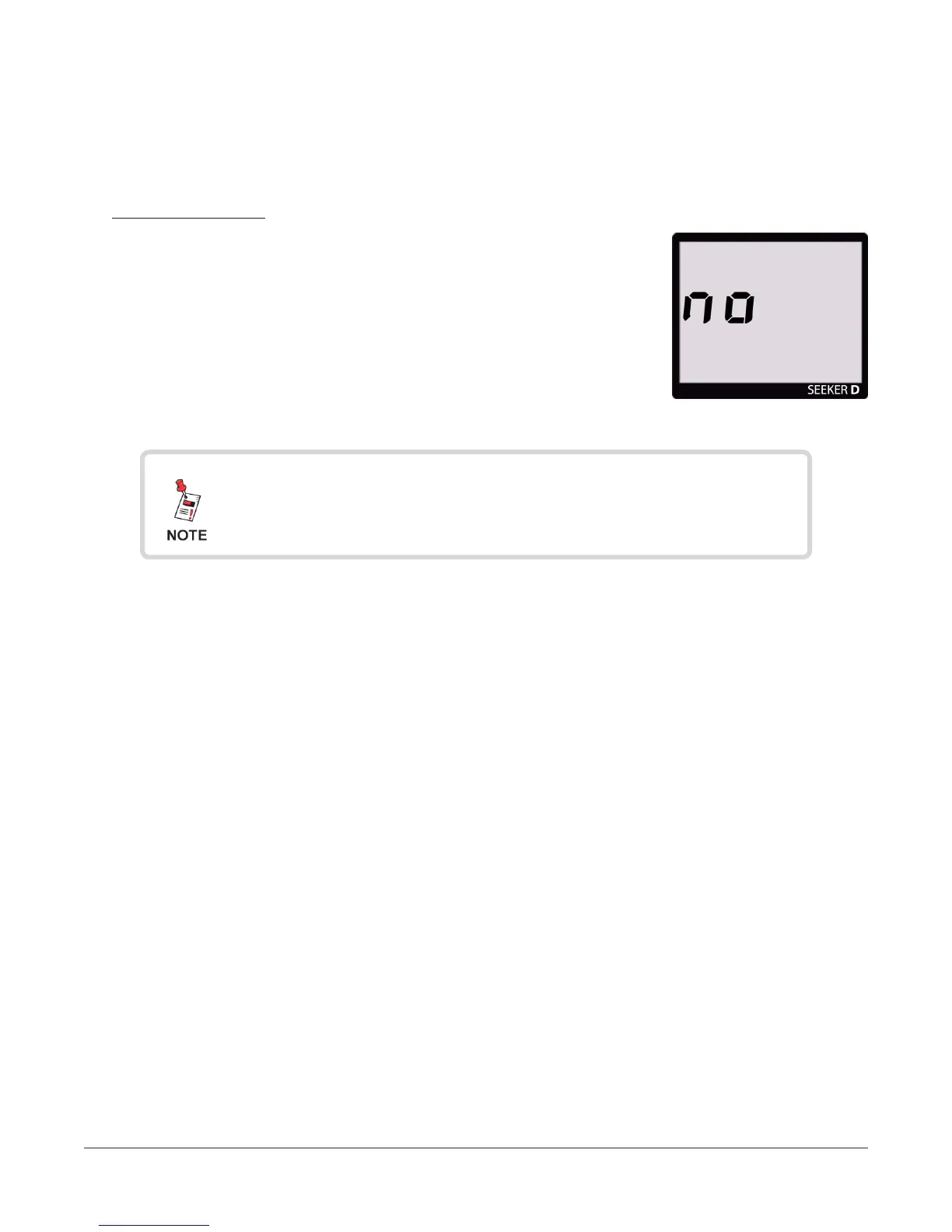
No Snapshot
To cancel the snapshot of the information recorded by the Seeker,
press the SNAPSHOT button when the following screen is
displayed:
No Snapshot
In Snapshot Mode, the display will cycle through the screens
displayed above until you make a selection. This enables you
many opportunities to take a snapshot of the leakage signal.


 To Next Page
 Loading...

