Seeker D User’s Guide
Document Num., Rev. 4May 2018 Page 51
Adjusting the Speaker Volume
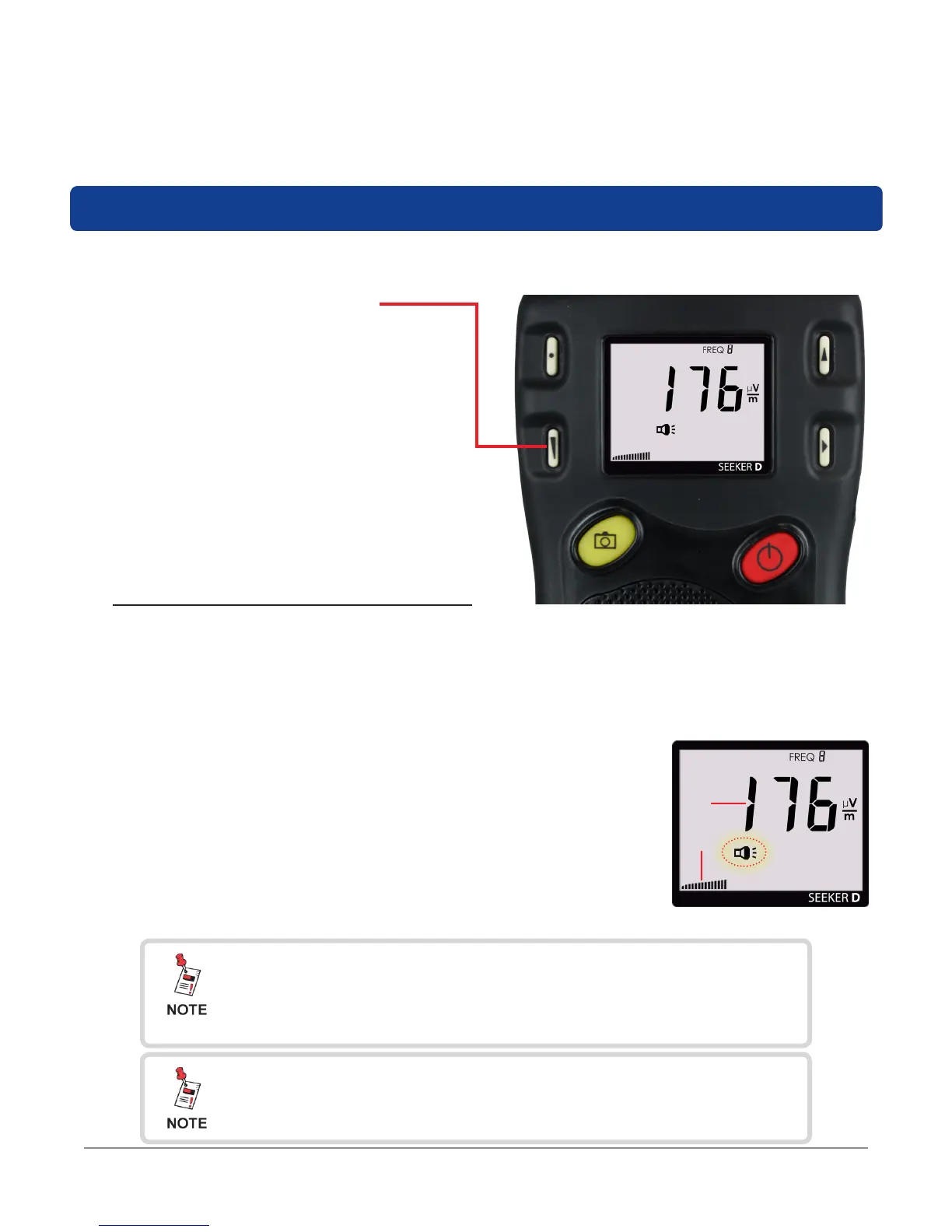
To check the volume level, turn your Seeker D on and press the VOLUME button once.
• When the Speaker Volume Level display is selected, the Speaker icon is
continuously displayed as indicated by the red circle in the following image.
• When this display is selected, the following will occur:
1. The bar graph will indicate the speaker volume.
2. The numerical display will continue to display the RF
signal level.
• Press the VOLUME button again to increase the speaker
volume of the leakage tone. Brief presses increase the
volume to maximum and then it rolls over to the minimum
volume.
Speaker Volume
1
2
Speaker Volume Level
While testing for leaks, you may need to adjust the volume of the leakage tone.
• Use the VOLUME button to
adjust the speaker volume.
The bar graph will indicate
the speaker volume level as
shown in the image to the
right.
After a few seconds in the Speaker Volume Level display
without any action by the user, the display will revert to the
Signal Level display.
The speaker volume does not change during adjustment, but
is instead indicated by the bar graph. When leaks are found,
you will hear the volume change in the leakage tone.


 To Next Page
 Loading...

