Other Conventional Surveying Tutorials
113
Exporting Coordinates
The steps below will copy selected points from the current job to a
new job in a specified file format.
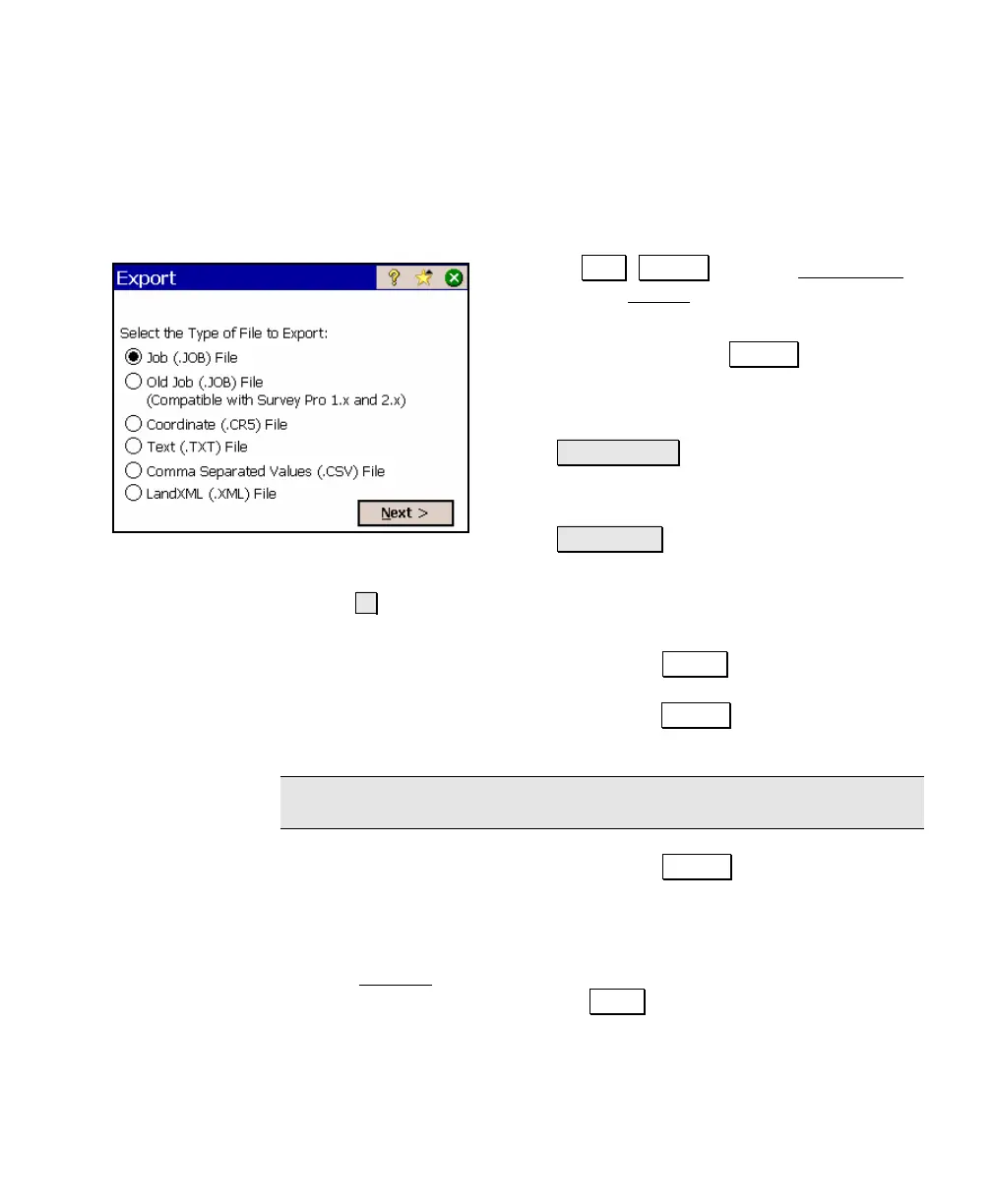
1. Select .File , Export from the Main Menu
to open the Export screen.
2. Select the type of file you are exporting
coordinates to and tap Next> .
3. You can select the desired points to export
using any of the following buttons:
• Tap Points… allows you to select
points by tapping them from a map
view.
• To/From… allows you to specify a
range of points to export.
• allows you to select all points; select all control points; or
select points by their description.
4. If a JOB format file was selected, tap Export.
If a CR5 format file was selected, tap Next> . You must then
specify if you want to create a Sequential or Non-Sequential file.
Note: The HP 48 platform can only open sequential CR5 files.
If a TXT format file was selected, tap Next> . This will lead to
two additional screens where the desired format of the text file is
configured. For an explanation of the available options, refer to
the Reference Manual.
5. The Save As
dialog box will open. Specify a file name for the new
file in the Name field and tap Save . (The file extension is
automatically added for you.)



 To Next Page