User’s Manual – Conventional Mode
162
Traverse Adjust
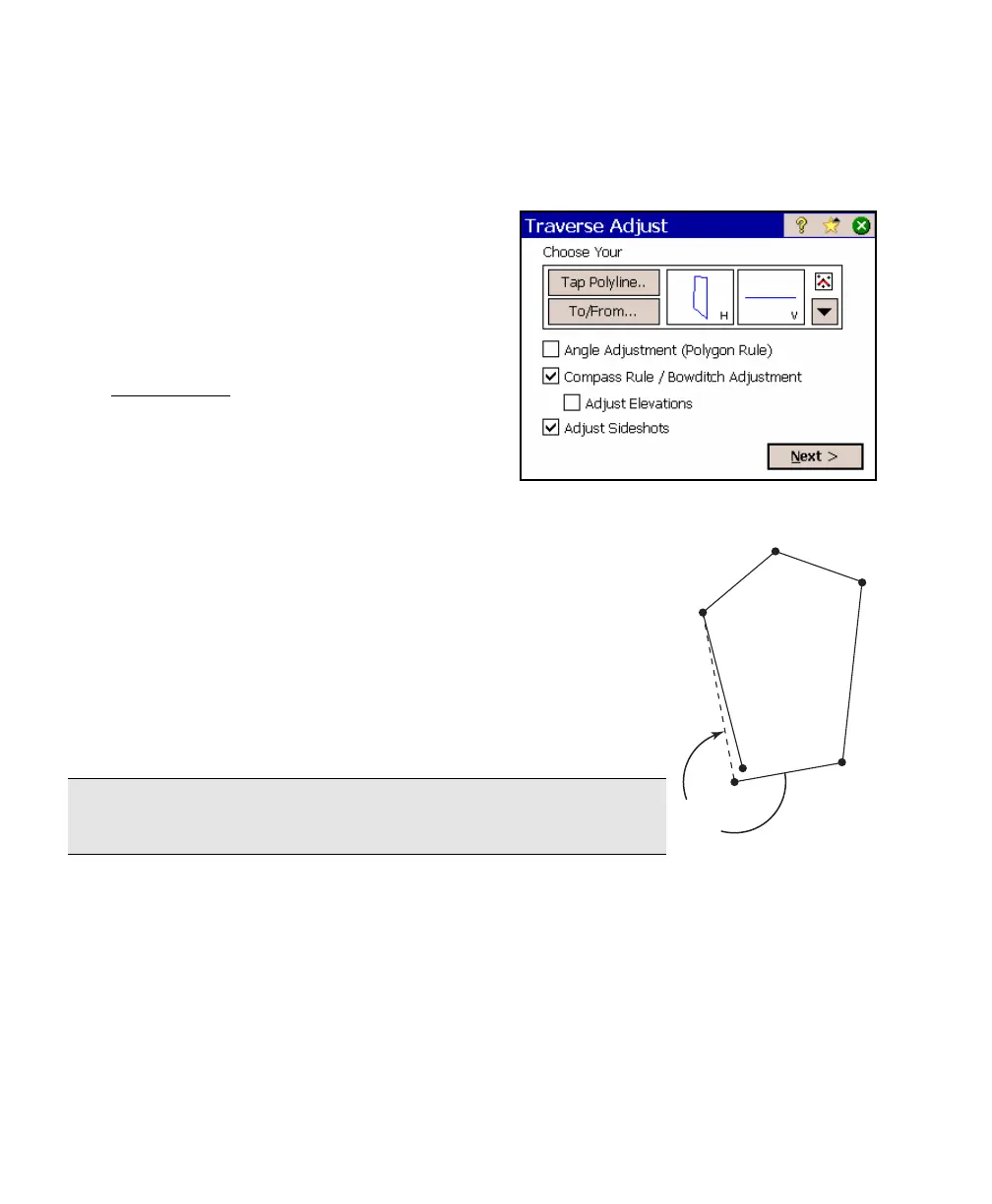
The Traverse Adjust wizard will perform an
angle adjustment, a compass rule adjustment,
or both.
Angle Adjust
The Angle Adjust routine will compute the
angular error in a closed traverse from a
known closing angle. It will then distribute
that error equally among all of the internal
angles so that the resulting sum of the angles
will equal (N-2)·180° because the sum of the internal angles of any
closed polygon can be computed using this formula, where N is
the number of sides of the polygon.
After performing an angle adjustment, all of the points except
for the first two points will be adjusted. (The azimuth of the
first leg will remain constant.)
The closing angle provided is used to compute the angular error.
It is the angle as you occupy the closing point, aim toward the
second point and turn an angle-right to the second-to-the-last
traverse point (see illustration).
Note: An angle adjustment does not always adjust the closing
point to a location that is closer to the starting point.



 To Next Page