Basic GPS Module
327
Traverse Now Routine
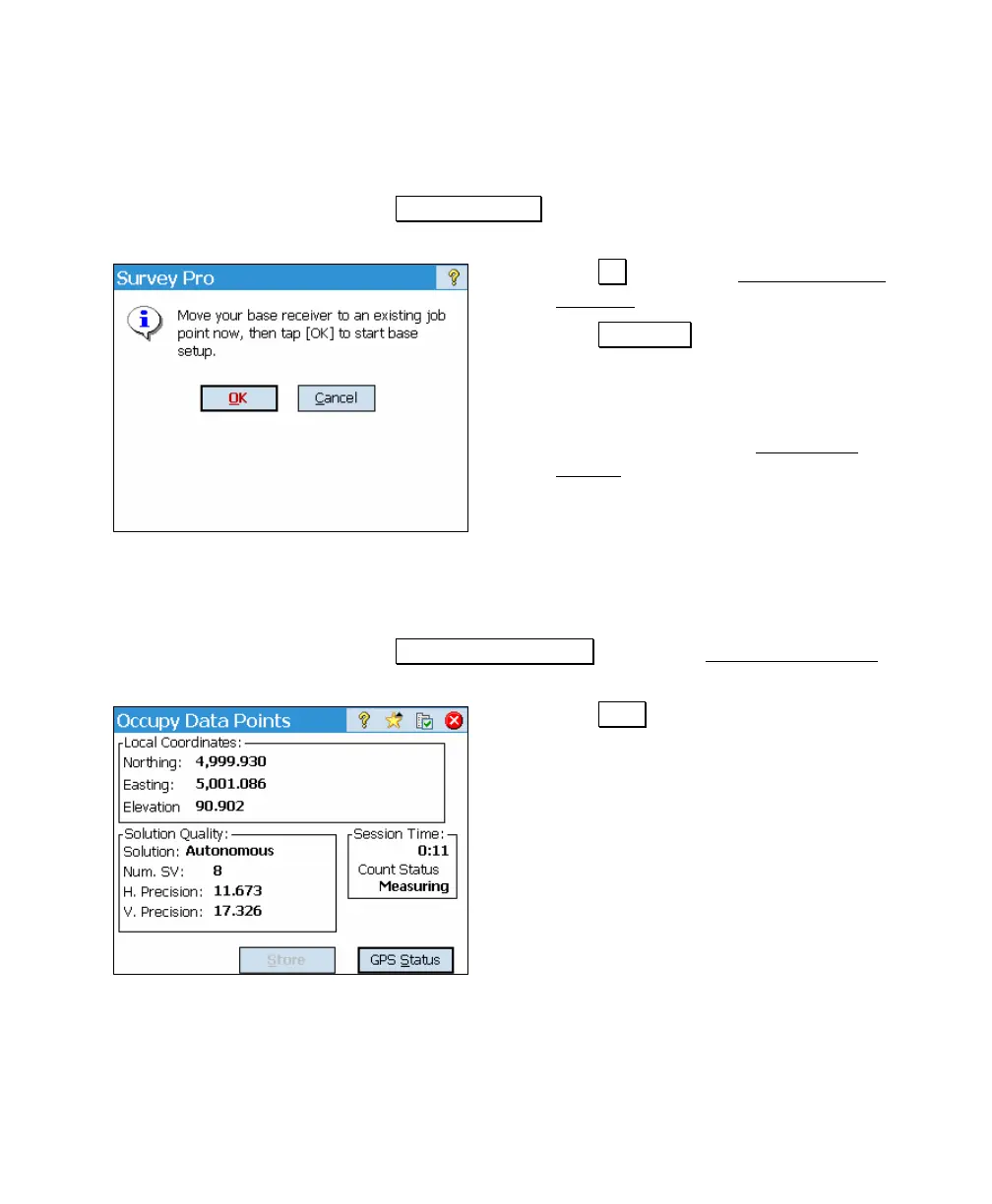
1. Tap Traverse Base >. This will open a prompt to move the
receiver.
2. Tap OK to open the Connect to Base
Receiver prompt.
3. Tap Connect > to auto-connect to a
base, which includes the check and
retry prompt if connected to the rover.
4. On connection to the base receiver, we
begin the steps of the Basic Start
Survey wizard (Page 313).
Occupy Then Traverse Routine
1. Tap Occupy Then Traverse to open the Occupy Data Point
screen.
2. Tap Store on the occupy point, you are
prompted for a name and description.
3. After accepting the point, you are
prompted to connect to your base
receiver.
4. On successful connection to the base,
including the retry prompt if we detect
you are still connected to the rover, the
Basic Start Survey wizard will open as
described on Page 313.



 To Next Page