User’s Manual – Conventional Mode
154
Spiral Layout
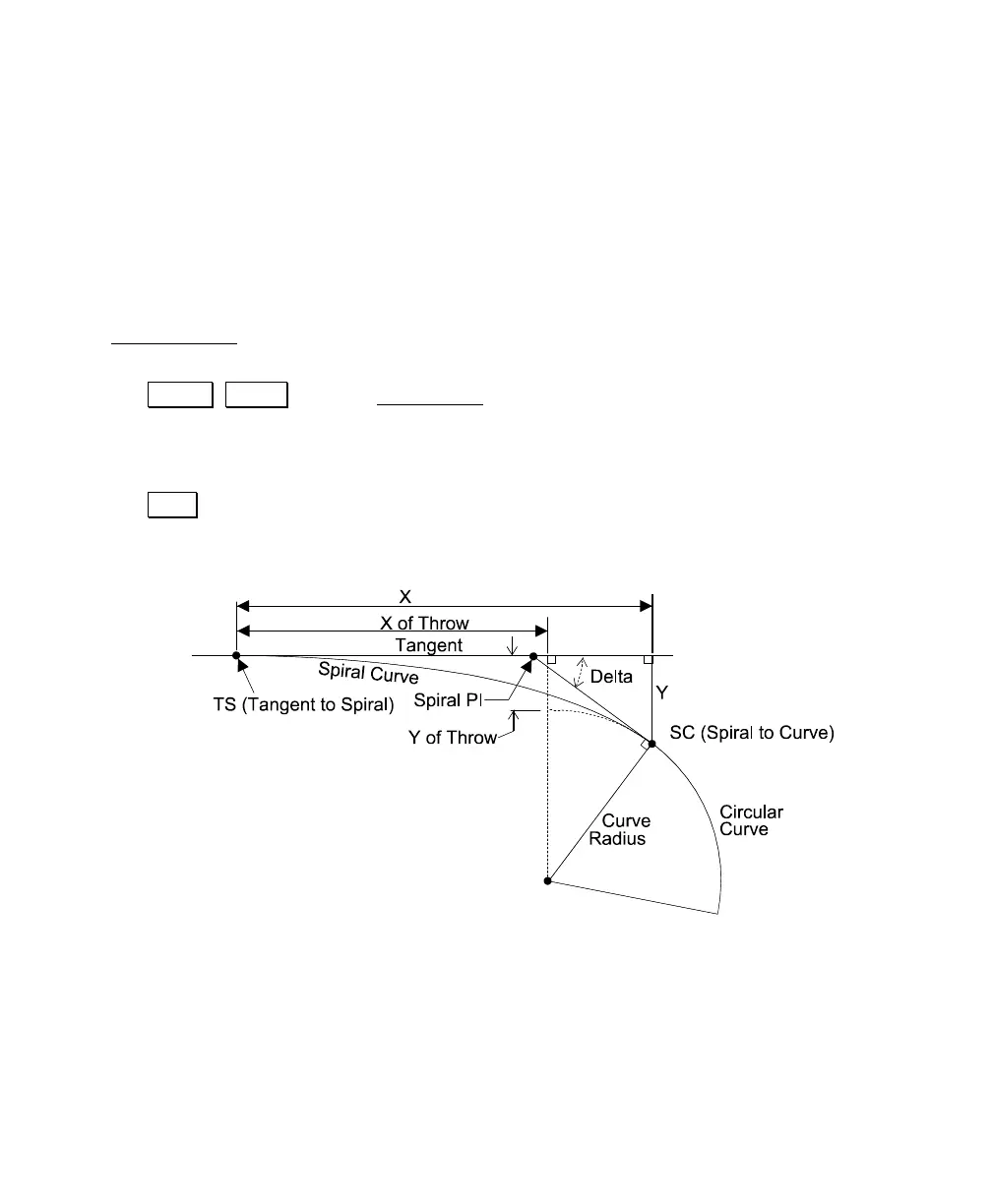
A spiral curve is a special curve that has a specified radius at one
end, which gradually changes to an infinite radius at the other end.
It is commonly used as a transition between a straight section and a
circular curve.
The Spiral Layout
screen is used to calculate the pertinent parts of a
circular curve after specifying the spiral curve’s radius and length.
1. Tap Curve , Spiral from the Main Menu.
2. Enter the radius of the spiral curve in the Curve field.
3. Enter the length of the spiral curve in the Length field.
4. Tap Solve. The details of the specified spiral curve can be viewed
by tapping the Results and Map tabs.



 To Next Page