User’s Manual – GPS Mode
326
Traverse Base
The Traverse Base routine provides an easy method to collect a point
and then move your base to that point, or to move your base to any
existing point in the current job.
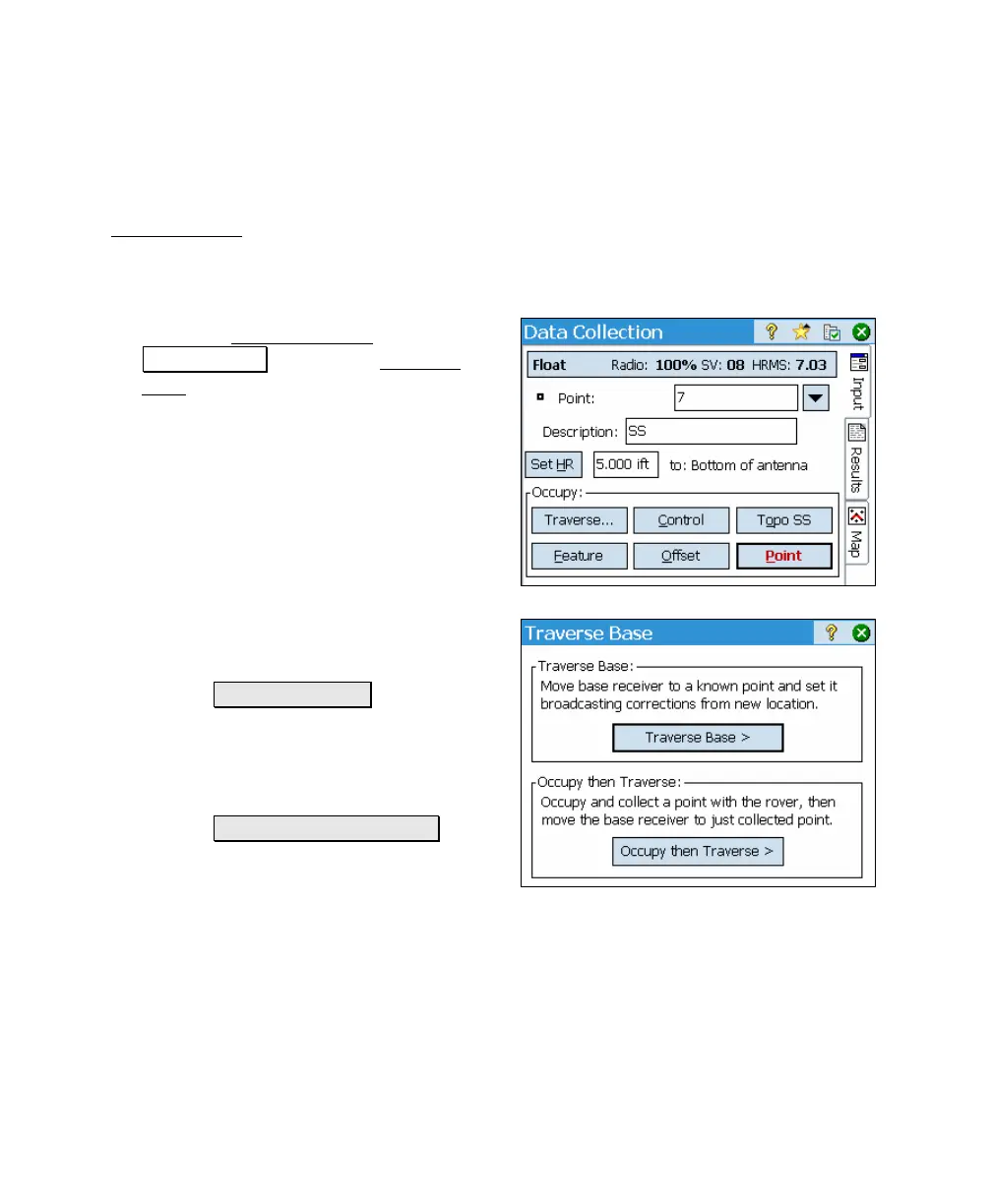
1. From the Data Collection
screen, tap
Traverse Base to open the Traverse
Base screen.
2. The Traverse Base screen provides you
with the following two options:
a. Traverse Base > : This starts a
routine where you can move the
base to another existing point
in the current job as described
below.
b. Occupy then Traverse > : This
starts a routine where you can
first occupy a new point and
then move the base to that point as described on Page
327.



 To Next Page