User’s Manual – Conventional Mode
62
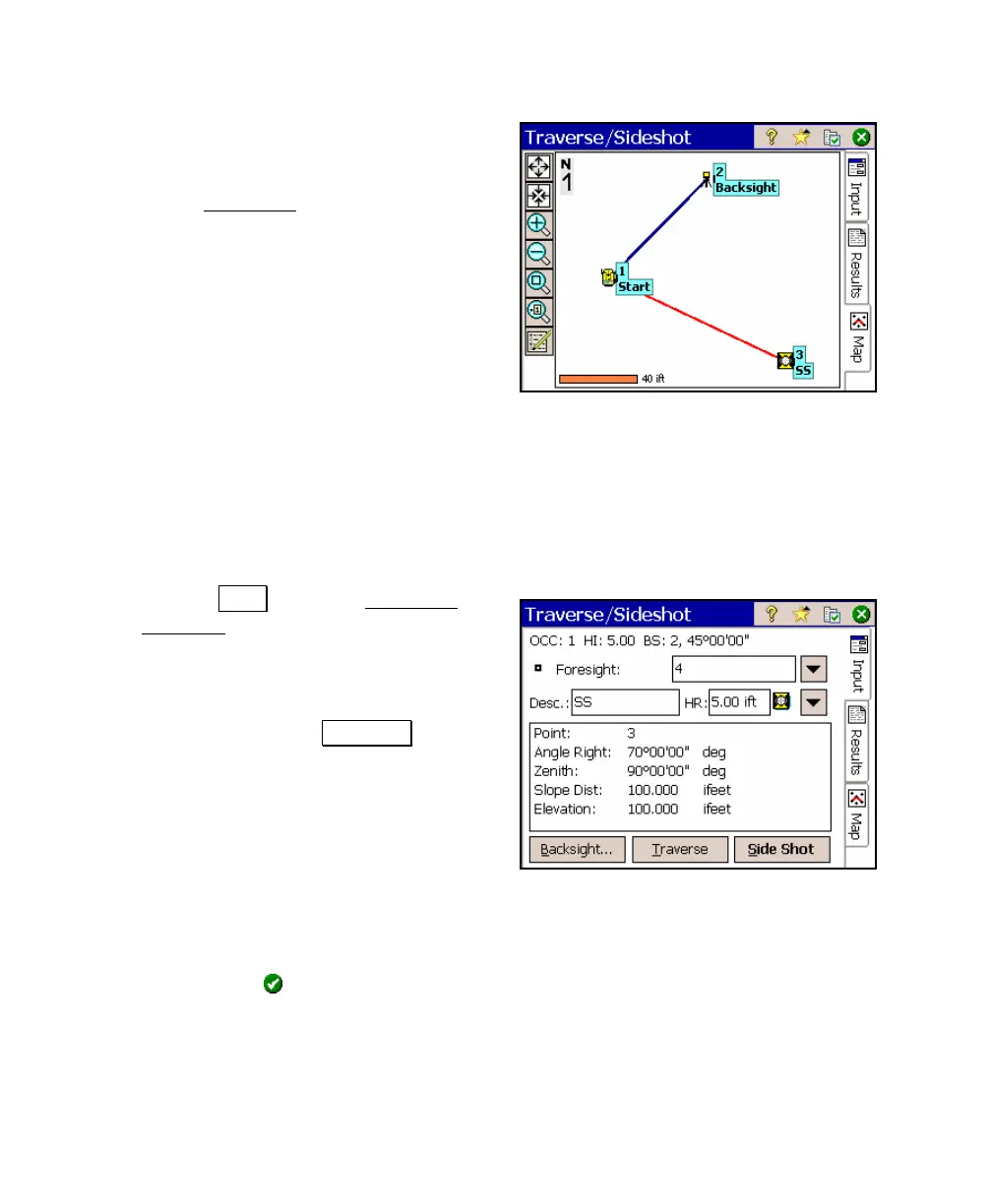
d. You can see a graphical representation
of the previous shot by tapping the Map
tab. See Page 22 for more information
on the Map View
.
Performing a Traverse Shot
6. The steps involved in performing a traverse shot are nearly
identical to performing a side shot. The difference is you must
specify if you plan to move the total station to the current
foresight point after the shot is taken.
a. Tap the Input tab of the Traverse /
Sideshot. The Foresight point should
now be updated to 4.
b. Assuming that you are now aiming the
total station at a prism located over the
foresight point, tap Traverse . This
would trigger the total station to take a
shot, compute coordinates for the new
point and store it. Since we are
running in manual mode, we will enter
the shot data from the keypad.
c. Enter the following data:
Angle Right: 45
Zenith: 90
Slope Dist: 50
and then tap
.



 To Next Page