User’s Manual – Leveling Mode
176
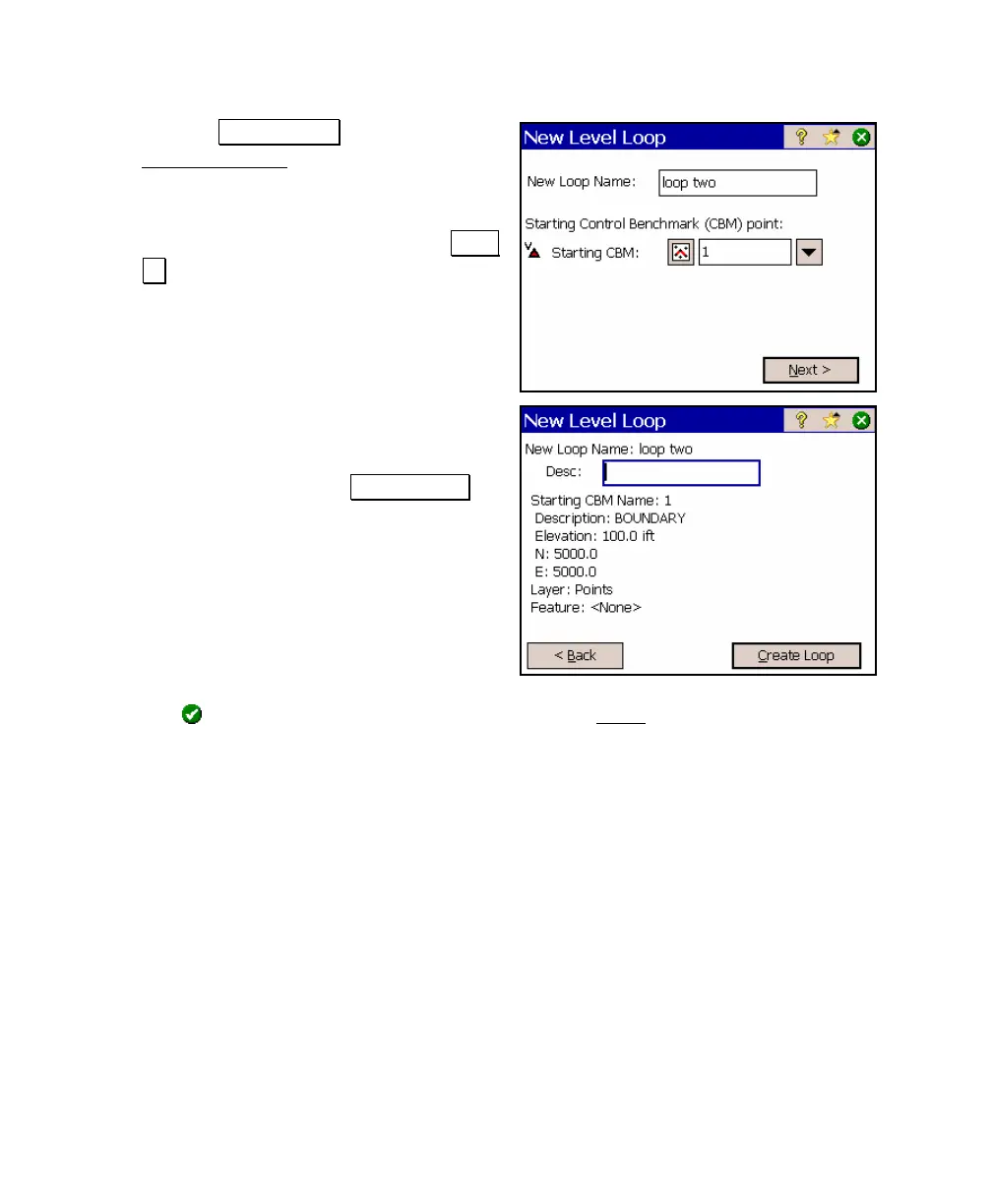
2. Tap the New Loop > button. The
New Level Loop screen will open.
3. Enter a name for the new loop in the
New Loop field and enter your starting
benchmark in the CBM field. Tap Next
> to continue.
4. The details of the new loop are
displayed on this screen. You can
optionally enter a description for the
new loop and then tap Create Loop to
create and open the new loop.
5. A prompt will tell you that the new loop has been created.
Tap
and you will automatically be taken to the Level
screen where you can begin collecting data.



 To Next Page