User’s Manual – Leveling Mode
182
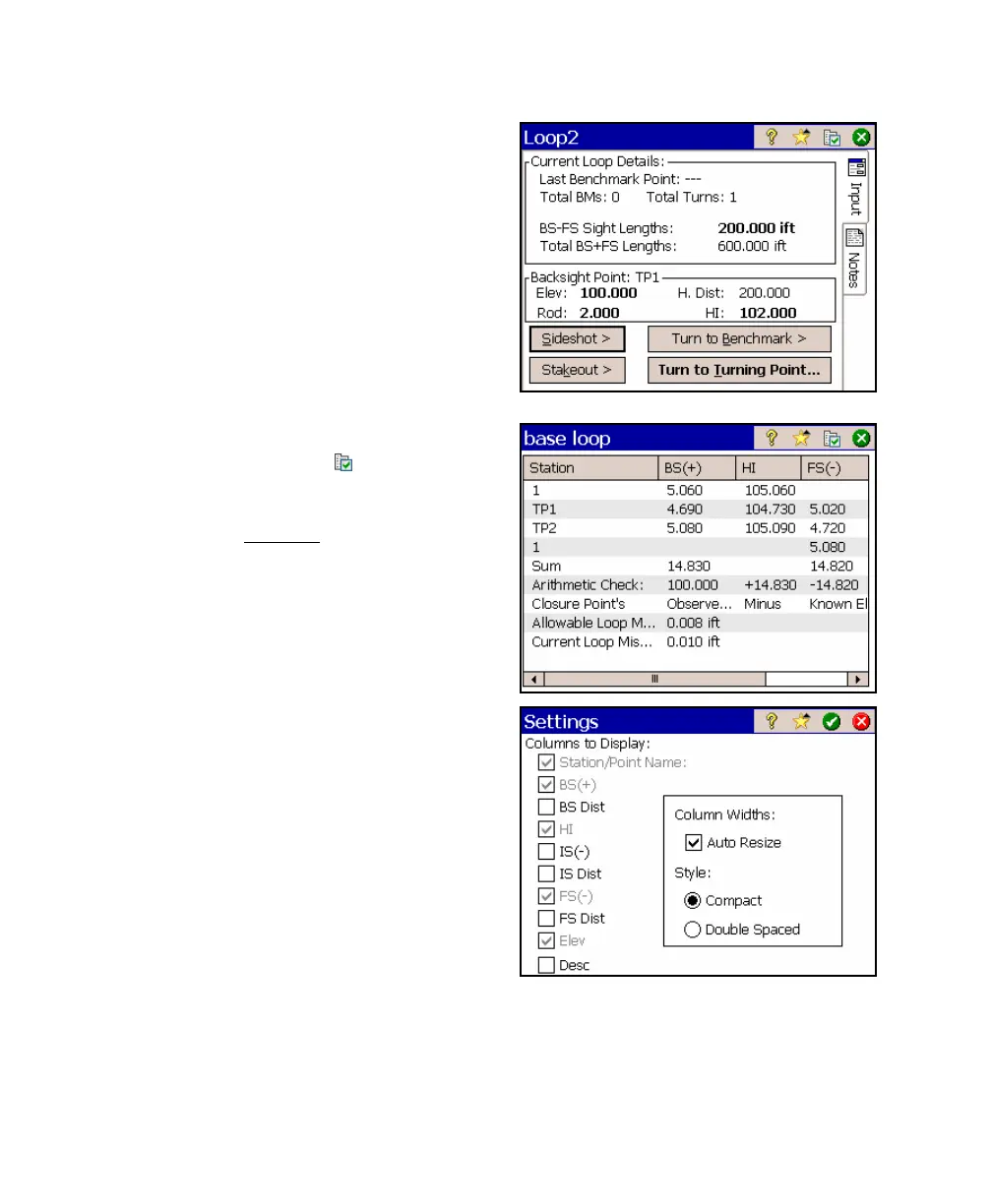
16. Tap the Notes tab to view all the
information about the level loop.
17. While viewing the notes for any level
loop, you can tap the
button to
customize the settings for this screen.
(This is the only location where you can
access this Settings
screen.)
For more information on each field of
this screen, consult the reference
manual.



 To Next Page