User’s Manual – Leveling Mode
186
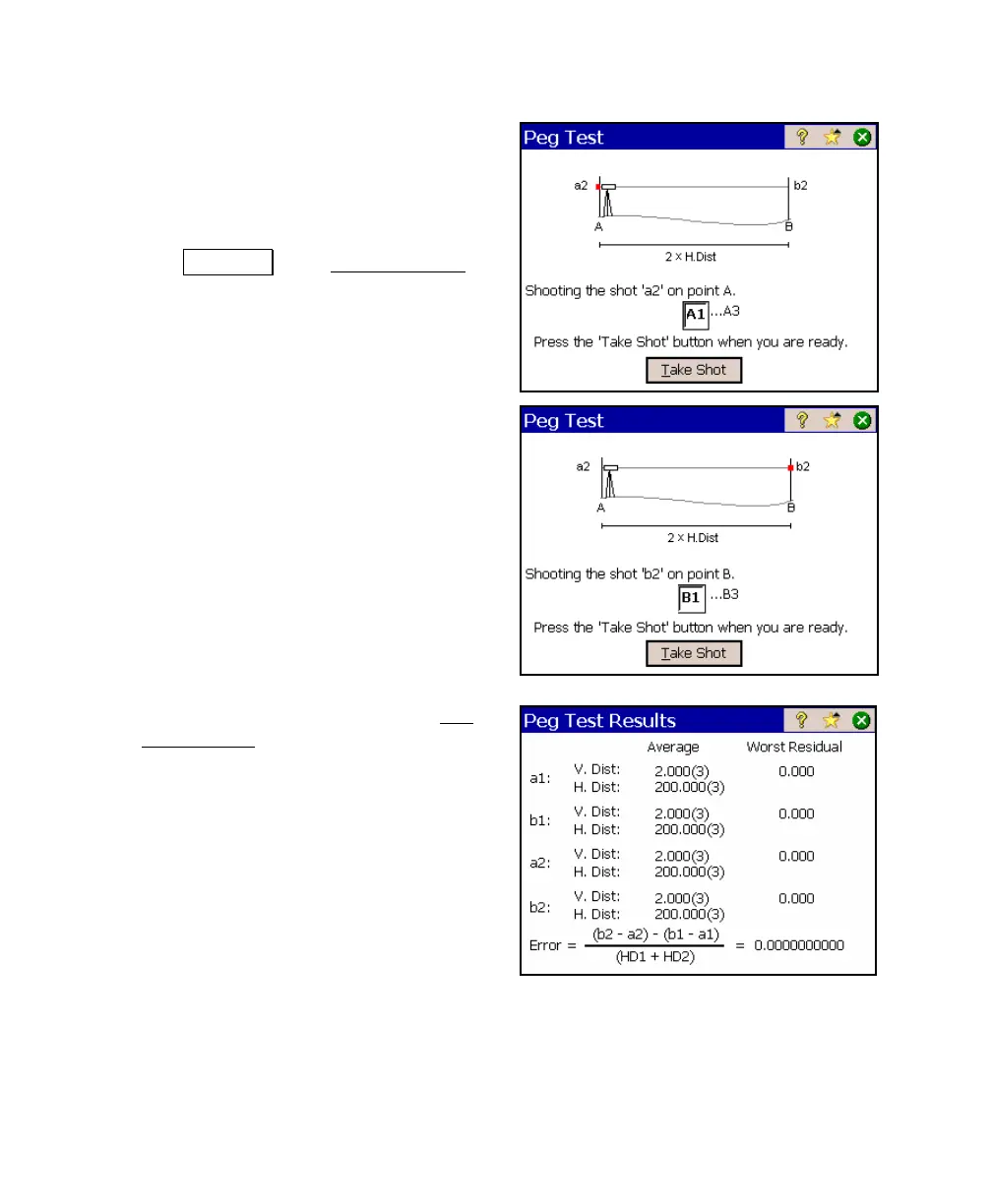
9. Move the instrument as close as
possible to the rod over Point A where a
shot can still be taken to it. This is
typically about 3 meters (10 feet) from
the rod.
10. Tap Take Shot. The Leveling Shots
screen will open again where you can
take the required shots to Point A from
the new setup.
11. Once complete, turn to Pont B and take
the required shots to that point.
12. After the final shot is taken, the Peg
Test Results screen will open showing
the details of the shots taken and the
computed error.



 To Next Page