GPS Module
303
Starting a Survey with VRS
The following steps explain how to start a survey with VRS after any
necessary Bluetooth steps have been performed and the Windows
Networking configuration is complete.
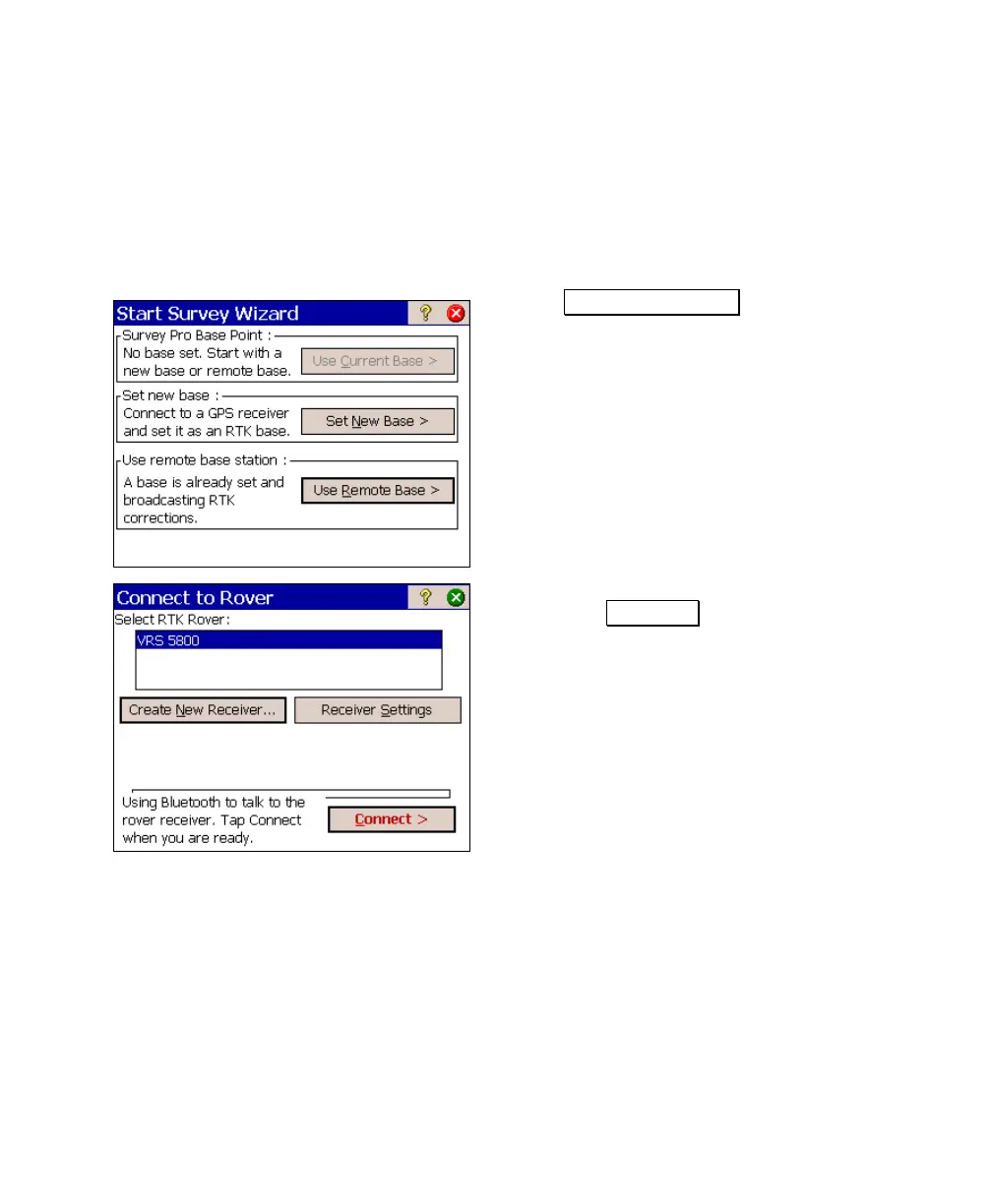
1. From the Main Menu, tap Survey > Start GPS Survey.
2. Tap Use Remote Base >.
3. Confirm your rover receiver is selected and
then tap Connect >. The phone should
begin dialing the server.



 To Next Page