Conventional Fieldwork
57
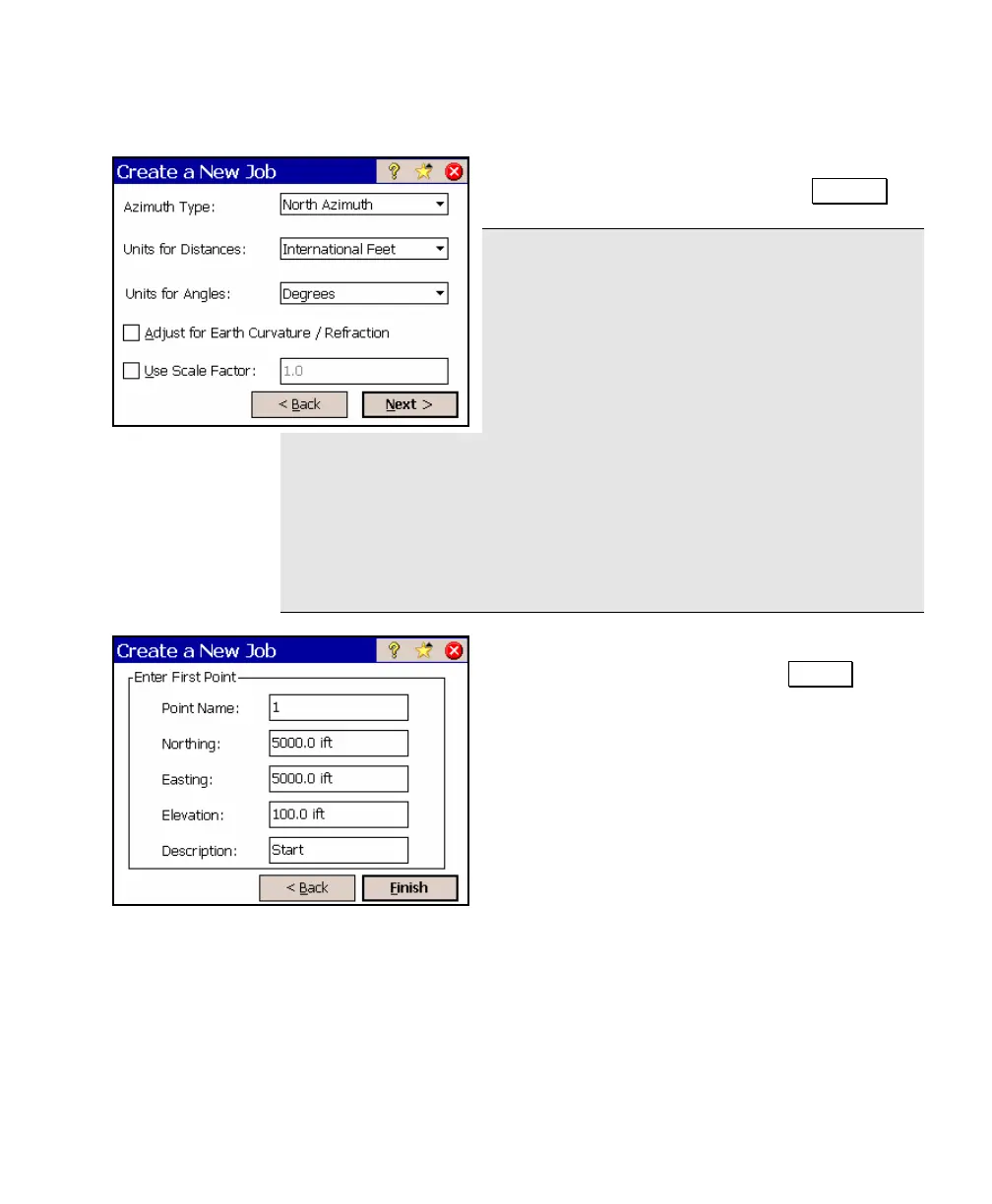
d. For this example, simply accept the
default job settings and tap Next > .
Note: When creating a new job, it is important
that the Units for Distances field be set to the
correct units. This allows you to seamlessly
switch between different units in mid-job.
Problems can arise if these units are
inadvertently set to the incorrect units prior to
entering new data. For example, assume you
created a control file by hand-entering a list of coordinates in a new
job where the job was set to International Feet and the coordinates
were in US Survey Feet. Now assume you created another new job
and correctly set it to US Survey Feet. If you then selected the
previous job as a control file for the new job, the display of all of the
coordinates in the control file would be converted from Feet to US
Survey Feet.
e. Accept the default coordinates for the
first job point by tapping Finish .



 To Next Page