User’s Manual – Conventional Mode
72
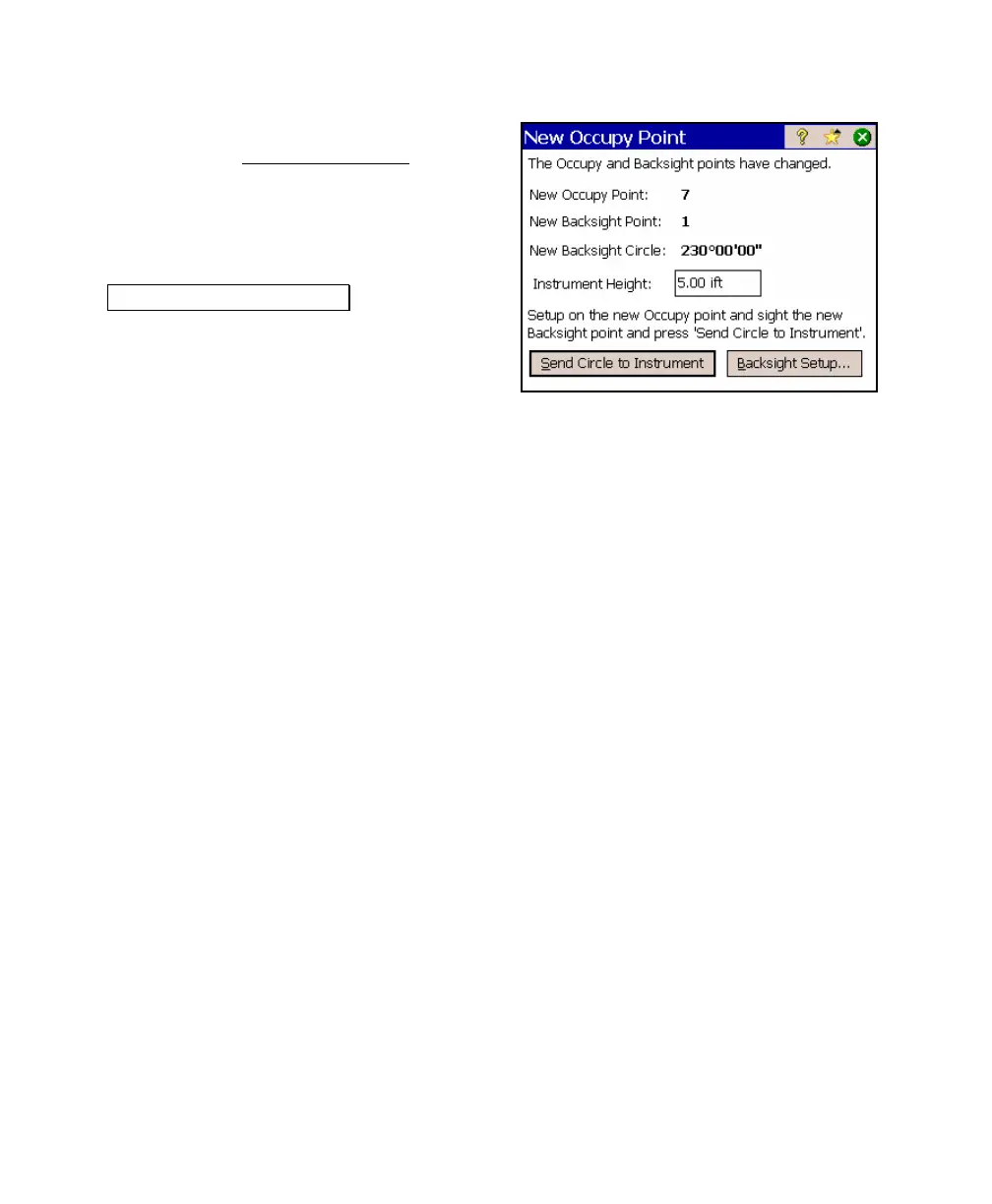
7. Begin your survey. When you traverse to a
new point, the New Occupy Point
dialog
box will open showing you the azimuth
computed to the new backsight point from
the new occupy point. Once you are setup
over the new occupy point, and aiming
toward the new backsight point, press the
.Send Circle to Instrument. button to
update the Backsight Circle value and the
horizontal angle on the total station.
Repeat this step after setting up on each
new traverse point.



 To Next Page