12
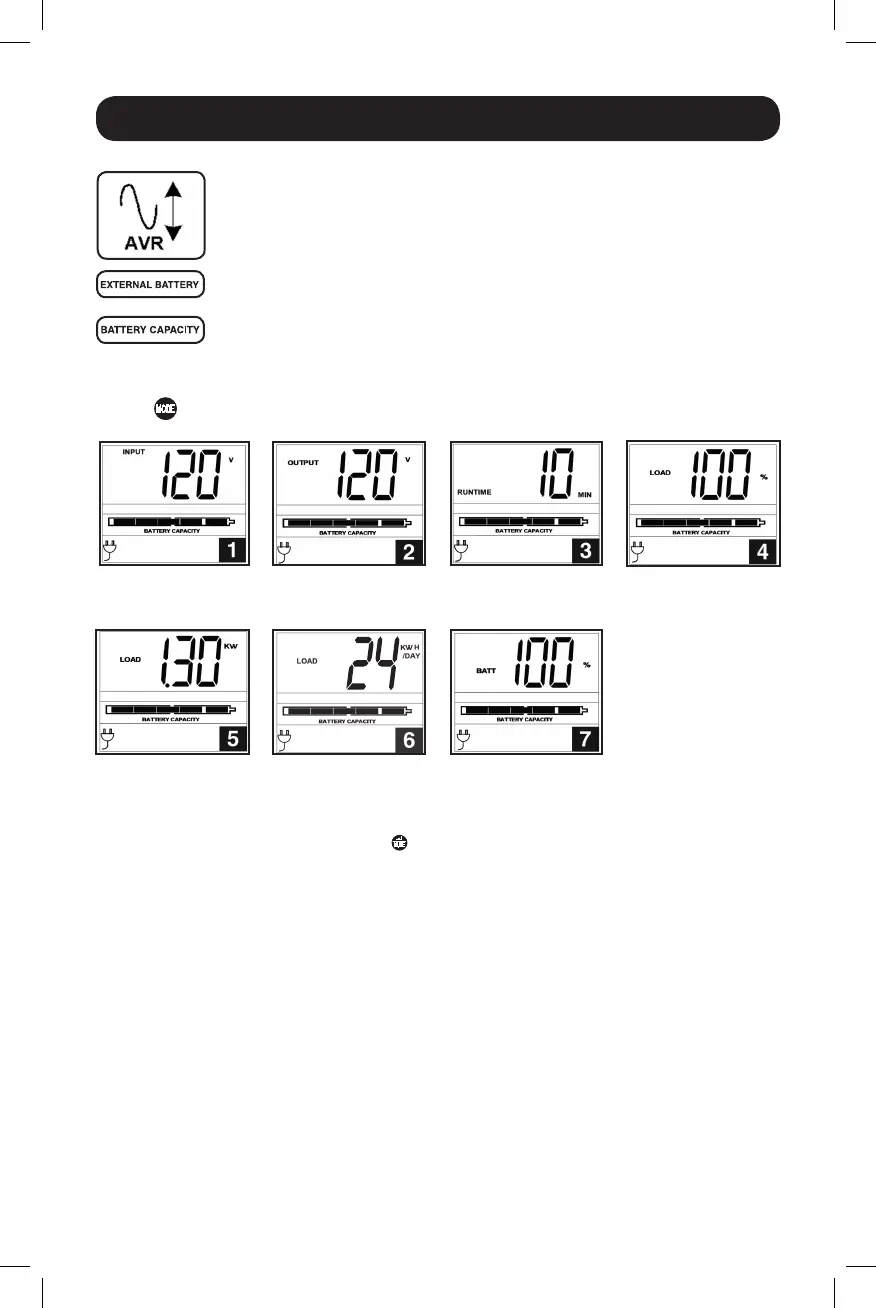
Automatic Voltage Regulation Icon:IndicatesthattheACinputiseitherlow
orhighandthattheAVRfunctionisactivelyboostingorcuttingtheline.The
AVRiconisalsousedinconjunctionwiththeEVENTSicontoindicateAVR
events.
EXTERNAL BATTERY Icon (Select Models):DisplayedonlywhentheEXTERNAL
BATTERYSETTINGCONTROLisactive.
BATTERY CAPACITY Icon:Usedtobetterdescribethebatterycapacitybar
graph.
Basic Operation continued
Display Power Conditions
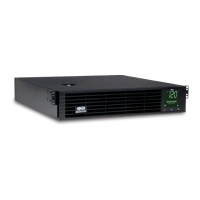
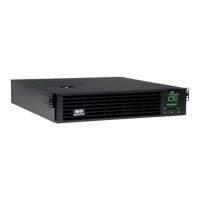
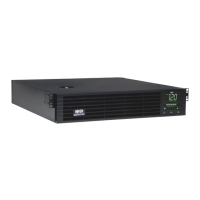
Usethe button to advance through power conditions.
1.VoltageIn 2.VoltageOut 3. Estimated Runtime
(in minutes)
4.Load%
5.LoadWattage* 6.KWH/Day** 7.BatteryCapacity%
* Load Wattage is displayed in watts up to “999”, and then will be displayed in Kilowatts.
** The Kilowatt Hour usage per day reports daily power consumption of equipment connected to the UPS in
KWH in a 24-hour cycle. Press and hold the
button for 4 seconds to reset the accumulator to “0”.
Note: When the UPS is in Battery Mode (power is supplied to the output from the batteries), the BATTERY icon
will be lit in the display instead of the AC INPUT icon.
14-03-028-93-3088.indb 12 3/20/2014 4:08:46 PM




 To Next Page