© Triton Electronics Ltd 2022 Doc. AMV35003_1.doc v1.04 PAGE 14 OF 52
To clear the current flashing text box press the CLEAR button. Then start to type in the new
information.
The other buttons on the screen are:
NEXT – use this button to move to the next text box.
DELETE – deletes the last entry in the current box being edited.
UPDATE – When the new data has been entered press the UPDATE button to return to the
configuration screen. This will return to the Configuration Screen.
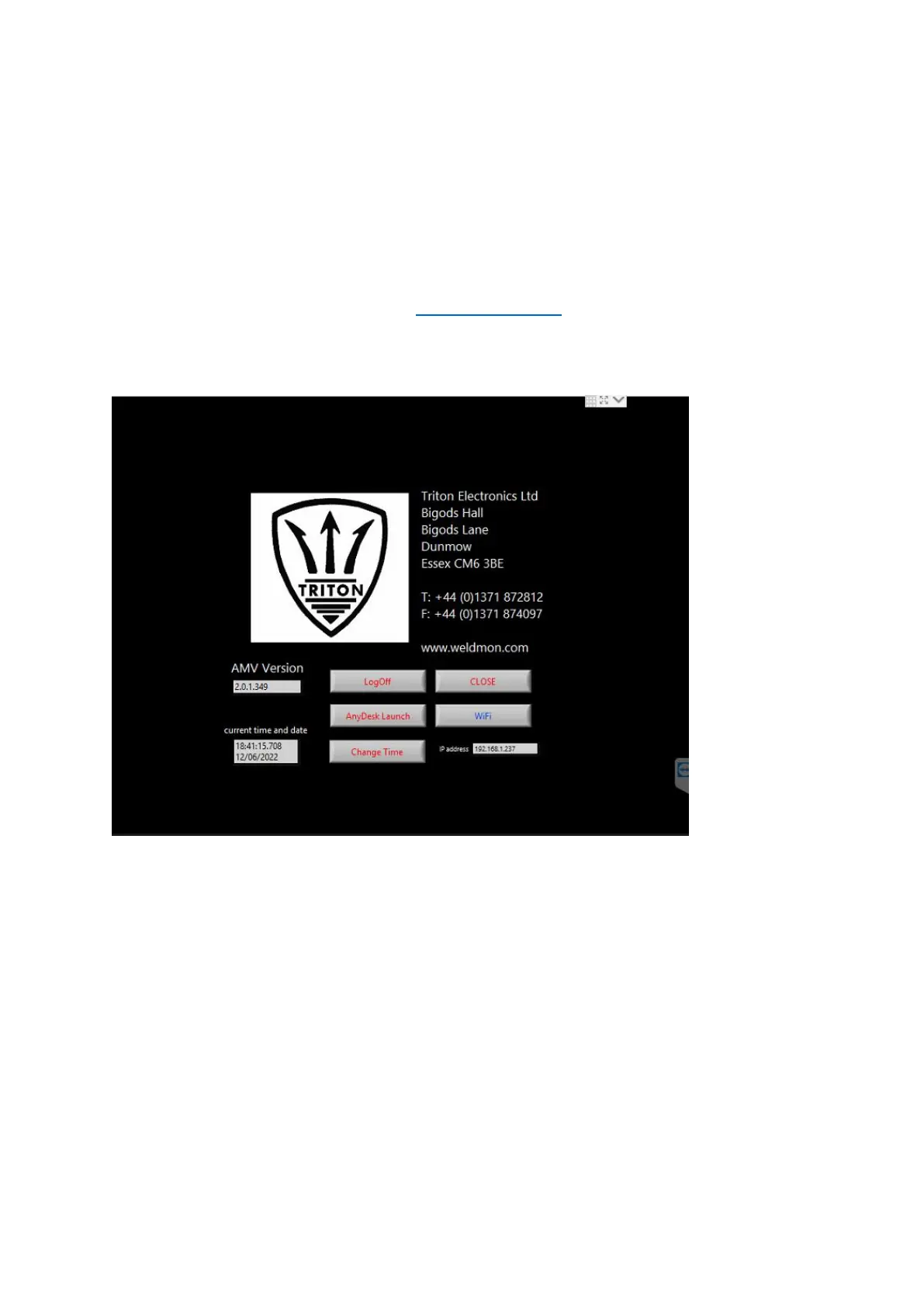
2.8 About
The about screen shows the current software version. When connected to a network the IP address
is also displayed.



 To Next Page