© Triton Electronics Ltd 2022 Doc. AMV35003_1.doc v1.04 PAGE 17 OF 52
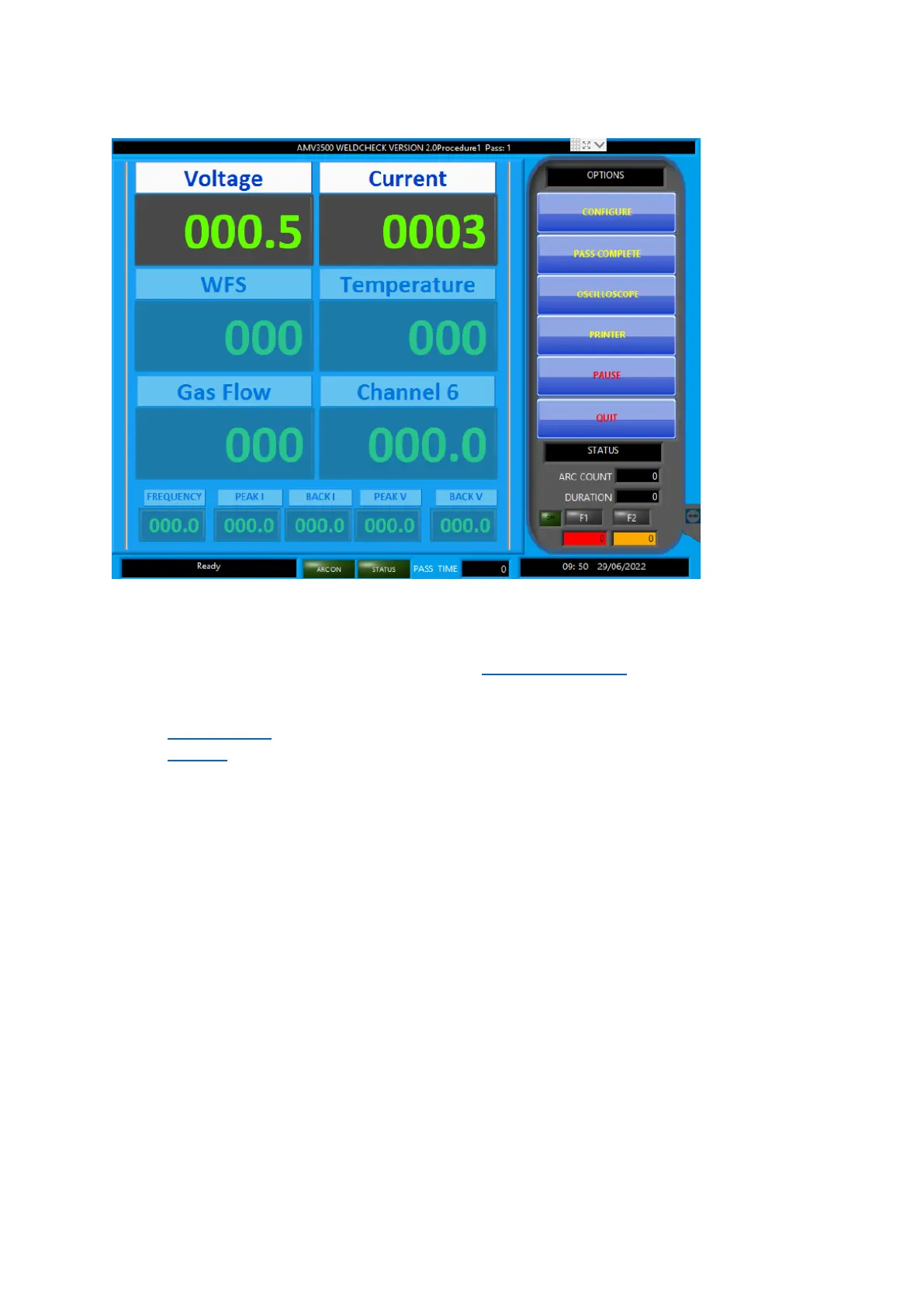
2.13 Monitor Screen
The main monitoring screen shows the values recorded during welding. If a pulse process has been
chosen the pulse values are displayed along the bottom of the screen.
The options are:
• CONFIGURE – takes the software back to the Configuration Screen.
• PASS COMPLETE – finishes this pass (collection of arcs) and moves to the PASS COMPLETE
screen
• OSCILLOSCOPE – changes the display to a graph of the welding waveforms.
• PRINTER – sets the printer options.
• QUIT – close the software and the AMV3500



 To Next Page