© Triton Electronics Ltd 2022 Doc. AMV35003_1.doc v1.04 PAGE 32 OF 52
3 How to guides
3.1 Monitor a GTAW, GMAW or MMAW procedure
This setup is based on a version of the AMV3500 software built to monitor welded cans on an
automated welding lathe. The text uses CAN in the same meaning as PASS in the standard software
settings.
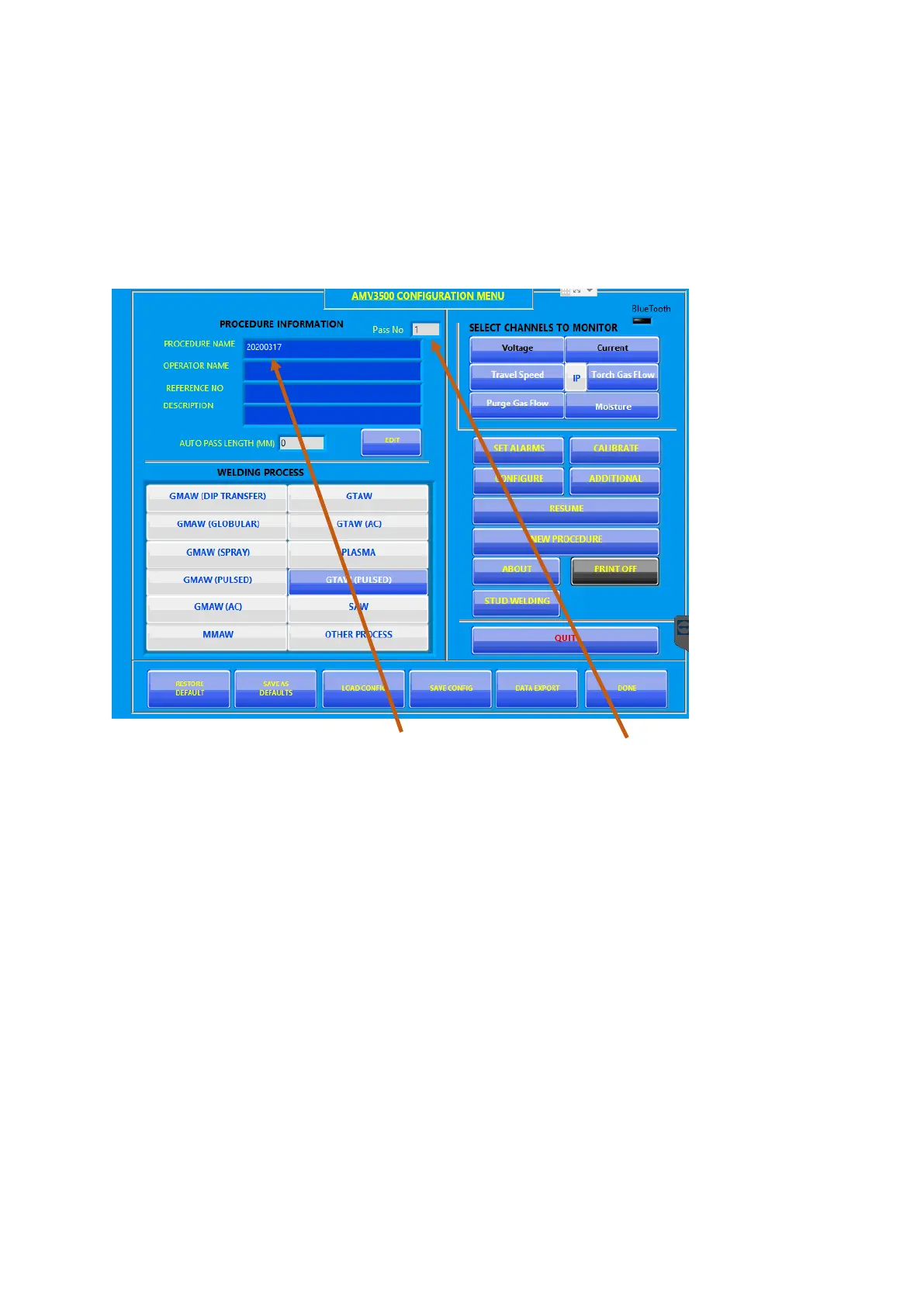
On boot-up the configuration screen loads
The PROCEDURE NAME defaults Procedure1 with Pass or pass number set to 1
Check the following setting:
1. WELDING PROCESS is set to GTAW (PULSED)
2. CHANNELS TO MONITOR shows channels you are expecting



 To Next Page