© Triton Electronics Ltd 2022 Doc. AMV35003_1.doc v1.04 PAGE 23 OF 52
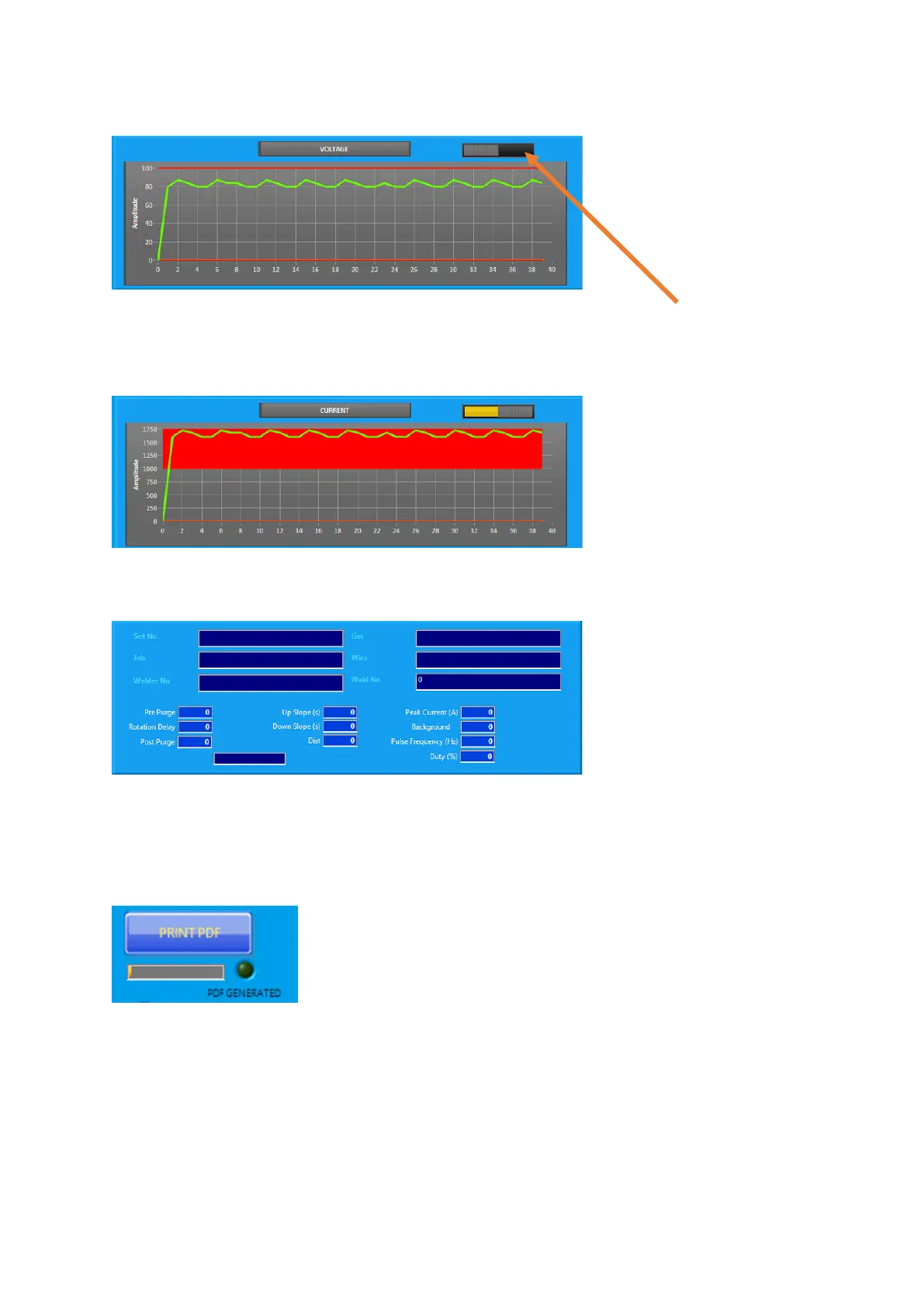
2.14.4 Graph
The average values are shown, the averages depend on the print seconds interval set. Use the
selection button to change between voltage and current.
If alarm values are set they are displayed on the chart as well:
2.14.5 Procedure
Move the slider to the Procedure position:
Currently this has been set to record parameters for a specific orbital procedure, but we can change
this to suit another application – let me know!
2.14.6 Summary PDF
Use the Print to PDF button on the bottom right hand of the screen:
This generates a summary PDF of the pass:



 To Next Page