© Triton Electronics Ltd 2022 Doc. AMV35003_1.doc v1.04 PAGE 9 OF 52
2.4 Configure
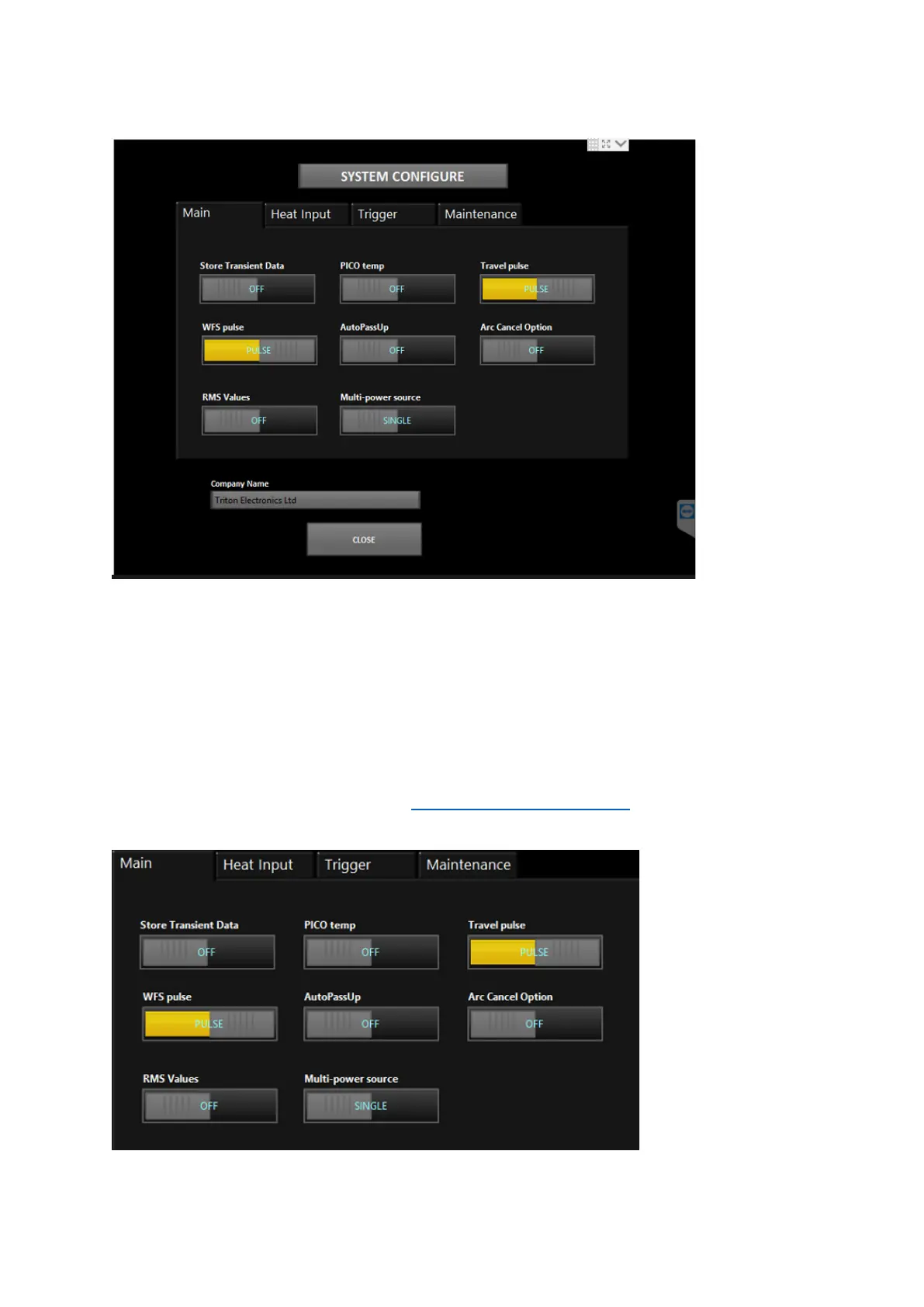
There are 4 main tabs of configurations
• Main – these are most of the user configurations
• Heat Input – special options for heat input calculation
• Trigger – where to set the arc on / arc off condition
• Maintenance – mainly for Triton engineers to help diagnose any system issues
Company name can be set (needs a USB keyboard to be used) – this is printed at the top of all
reports.
CLOSE returns the programme to the main AMV3500 Configuration Screen and saves the values.
2.4.1 Main



 To Next Page