© Triton Electronics Ltd 2022 Doc. AMV35003_1.doc v1.04 PAGE 26 OF 52
2.16 Printer Controls
There are 2 places to control the printer.
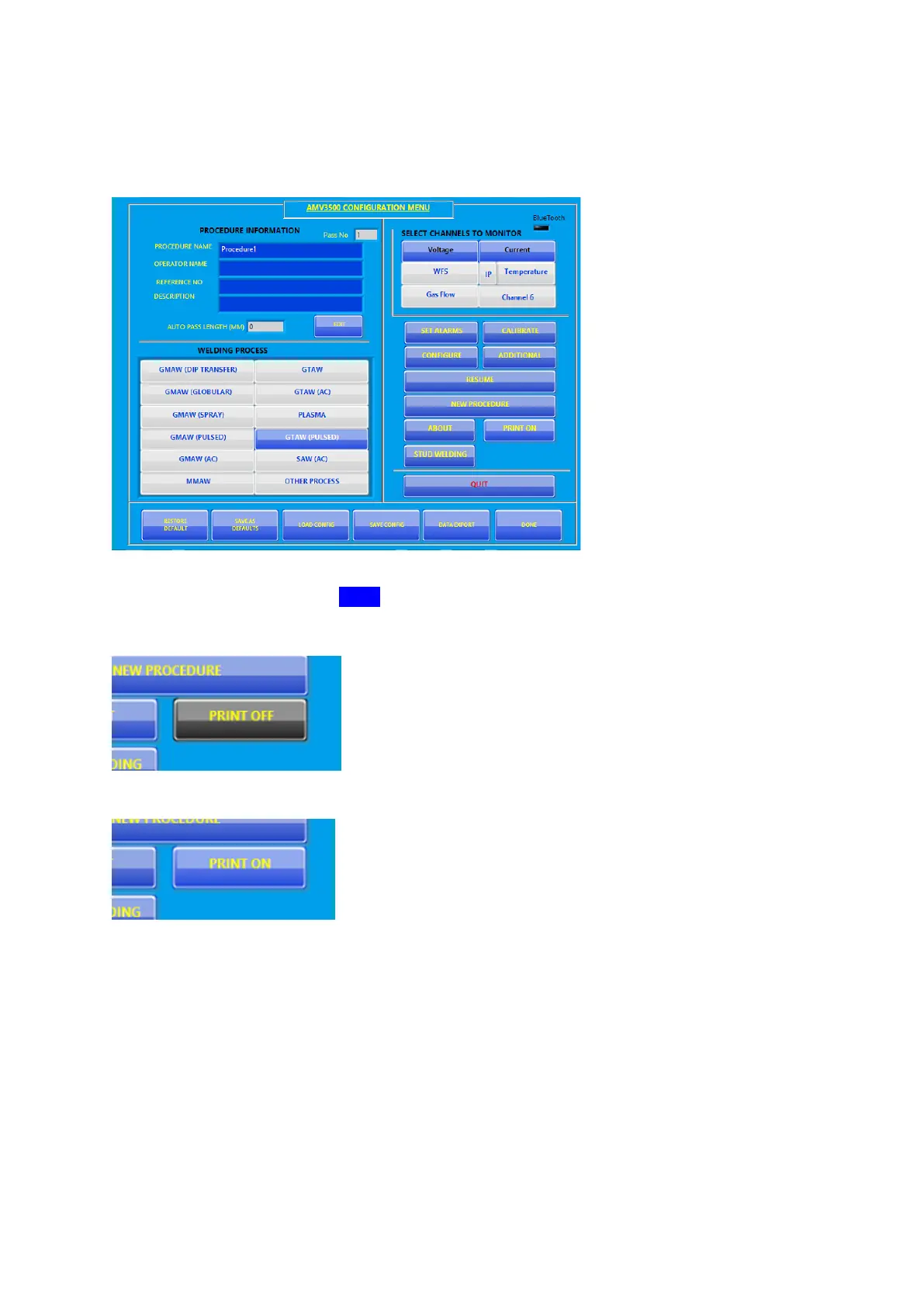
2.16.1 Configure Screen
The printer can be turned off from the configure screen. Turning off the printer here means that the
header will not be printed when DONE is pressed to go to the monitoring screen.
The AMV will still save the print values as a text file.
To have any output to the printer the print must be on:



 To Next Page