© Triton Electronics Ltd 2022 Doc. AMV35003_1.doc v1.04 PAGE 18 OF 52
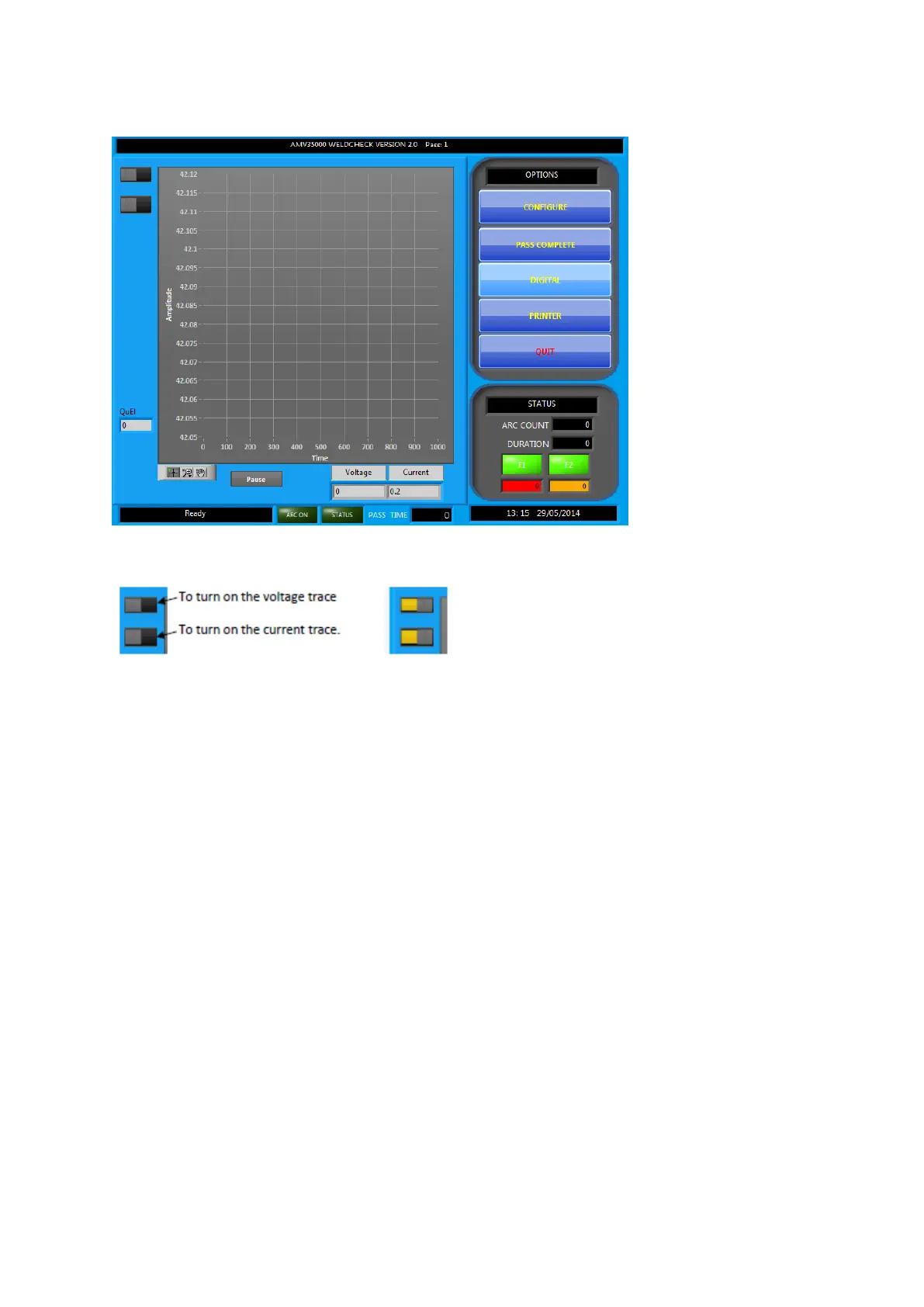
2.13.1 Oscilloscope Mode
This changes the main display so that the welding waveform can be analysed. Use the button at the
top right-hand side of the screen to view current and voltage values:
If the transient file option has been set in the CONFIGURE screen the transient file will be recorded
for future examination. However, please note these files will become large very quickly.



 To Next Page