© Triton Electronics Ltd 2022 Doc. AMV35003_1.doc v1.04 PAGE 33 OF 52
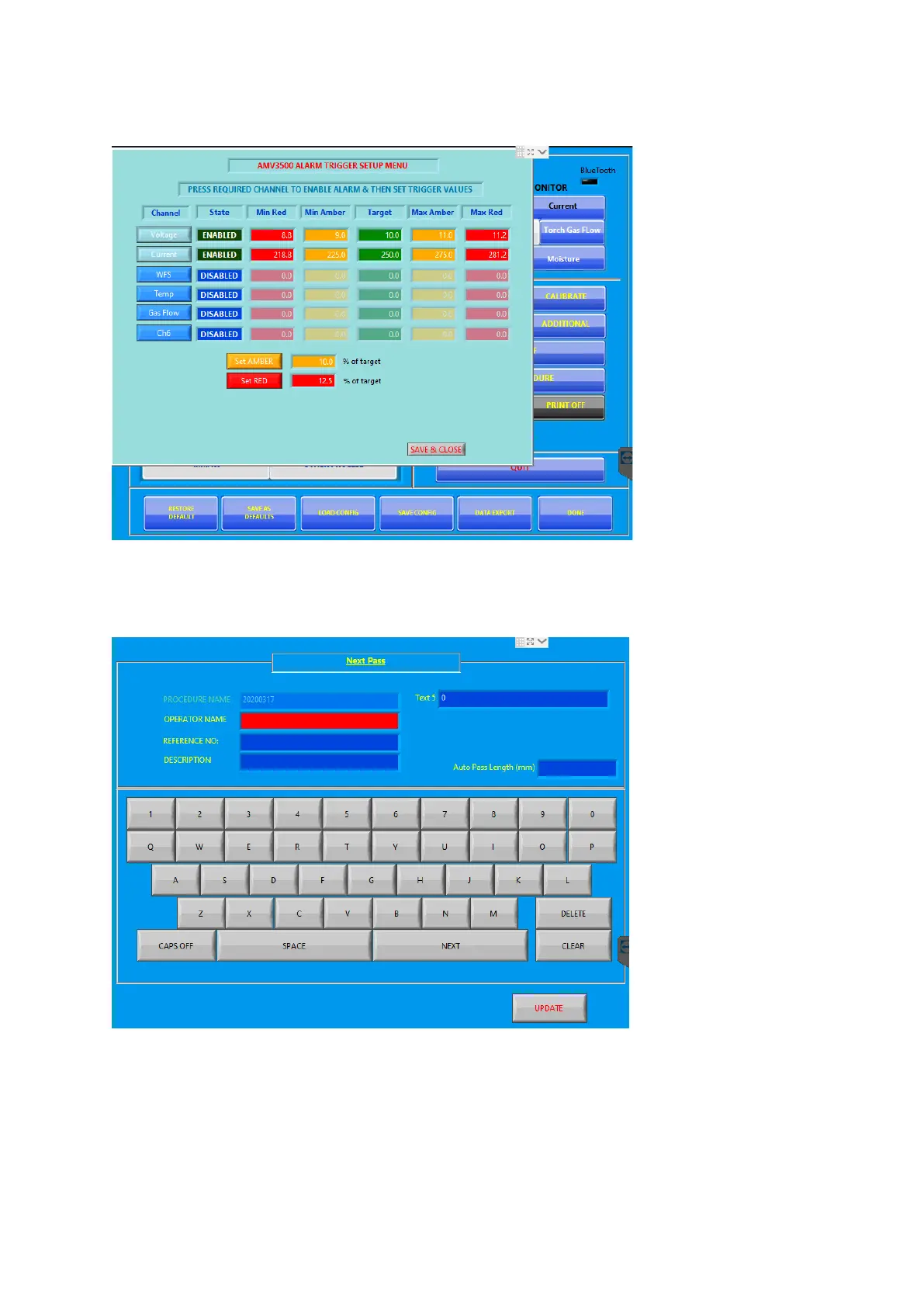
To check the ALARM setting press the SET ALARMS button
Press SAVE & CLOSE to return.
To add some procedure details, press the EDIT button in the PROCEDURE INFORMATION area. This
loads the information screen:
The RED box shows where the typed data will be entered. Use the NEXT button to cycle through the
boxes (touch screen does not select the box)
When happy press the UPDATE button



 To Next Page