• Select the “Sport” option for a live overview of your training progress.
• Select the “Control” option - you can control your tness equipment through your Device (Speed and
Incline) .
• Once your training session is complete, a full overview of your session is provided. This information can be
saved for future reference.
CUSTOMIZED TRAINING PLAN
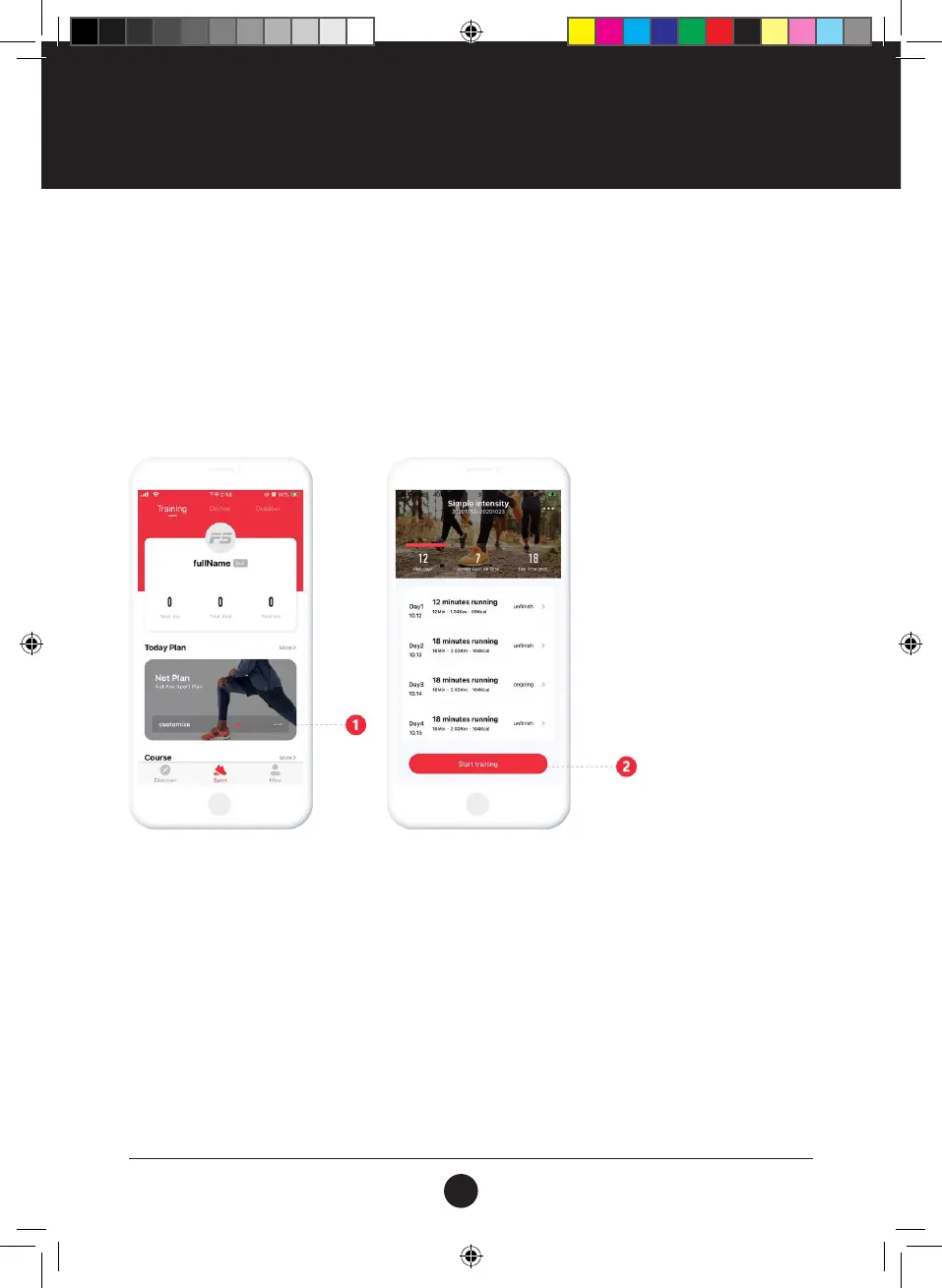
• Create your own Daily Training Plan to achieve your desired tness goals.
• Once complete select “Start Training” to begin.
OUTDOOR MODE
• Using GPS, track your Outdoor Fitness Activities through your Device.
• Various Fitness activities can be tracked, like Running / Cycling / Climbing and Walking.
• Press “Start” when you begin your Activity, save your Fitness Data at the end of your session for future
reference.
FITSHOW APP
#22M05T003 TR510 Treadmill - User Manual.indd 18 2022/05/25 14:49
20



 To Next Page