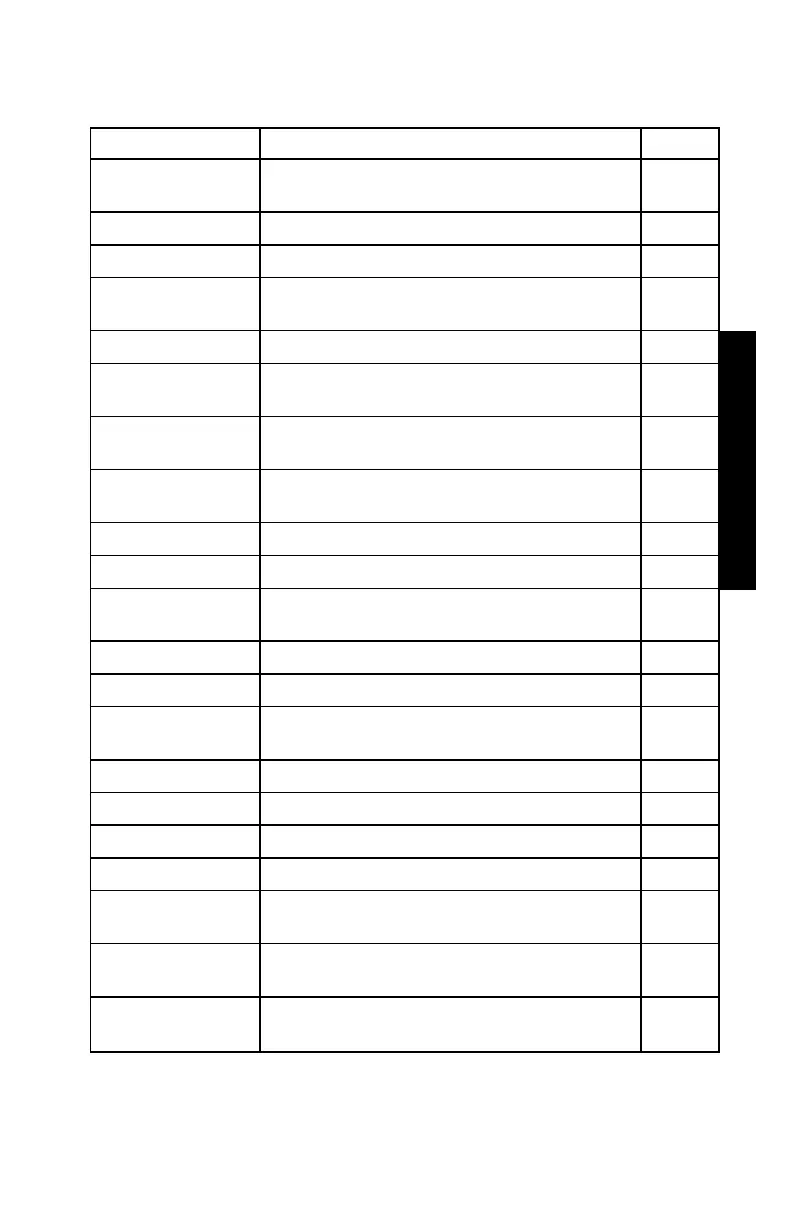
Table 2–1. Model 2701-B Keypad Functions
STORE
Store the most recent data in the current
project file.
5-10
STATUS
Displays gauge status information. 2–6
RECALL
Display the most recent data. 4–12
PROJ
Select or create a project file and view,
output, or erase project data file.
5-2
SETUP
Displays the gauge Setup menu. 2–7
TARGET
Select, enter, or disable a Gmb (Marshall)
or Gmm (Voidless density) value.
2–15
MODE
Select the measurement mode,
Averaging, Continuous, or Segregation.
2–18
OFFSET
Enable, disable, or change a density
3–3
REF
Take a reference reading. 4–2
Enter a space.
LIGHT
Manually toggle the keypad and LCD
backlights on and off.
2–5
Respond yes to yes/no questions.
Respond no to yes/no questions.
ESC
Return the display to the Ready screen
without storing or updating the data.
Enter numbers and access menu options.
.
Enter a decimal point.
Access the letters.
Moves cursor back one space.
,
Scroll through menu options or view
screens.
ENTER/START
Accept data entry or begin a
measurement.
Enter letters. Access these keys by first
pressing
ALPHA LOCK
.



 To Next Page