Set Units
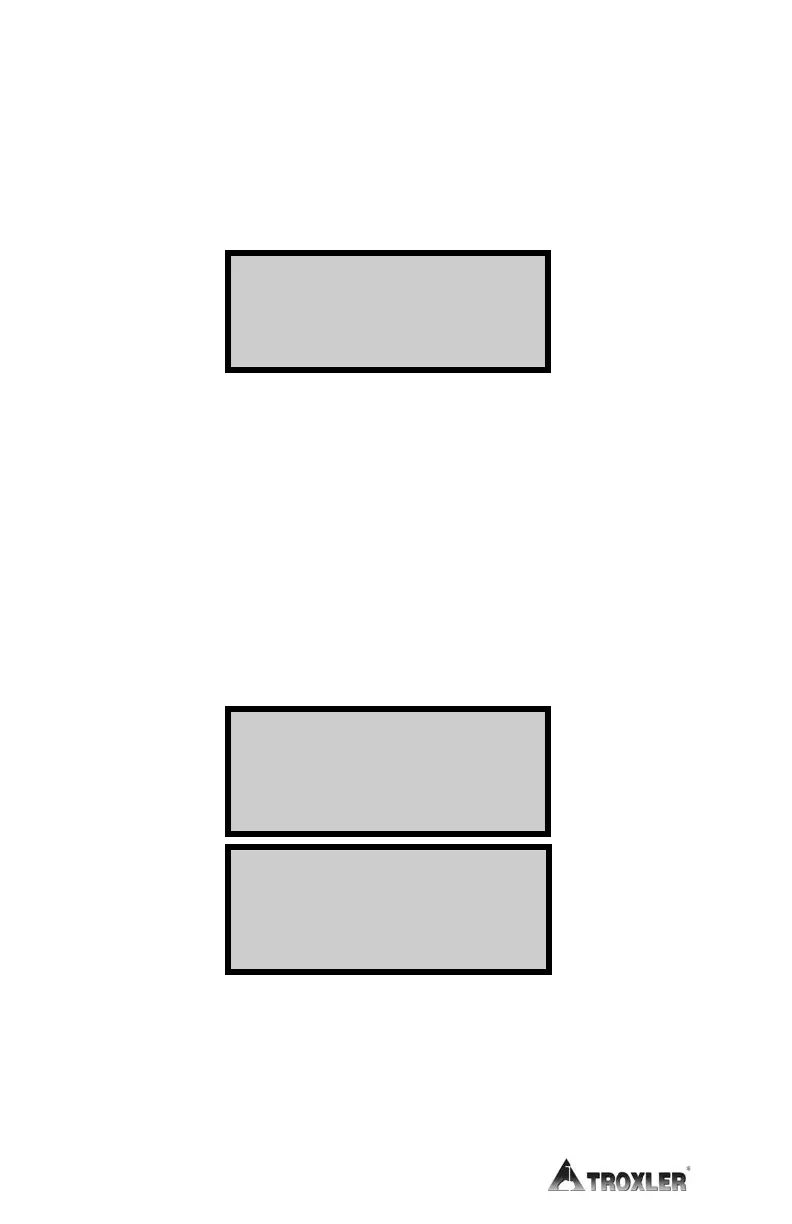
The gauge can display measurement results in either metric
(SI) or English units. To set the units, press
〈1〉 at the Setup
menu shown on page 2–7. The gauge displays:
Select the desired measurement units by pressing the
corresponding numeric key. The gauge displays the new units,
and then returns to the Setup menu.
Date/Time
The Date/Time function allows you to change the date and
time, and to select the display format for each. To access the
Date/Time menu, press
〈2〉 at the Setup menu shown on
page 2–7. The gauge displays the Date/Time menu:
From this screen, the operator may change the time, date, or
time/date display format. Use the up and down arrows to
scroll between the menu options. To select a menu option,
press the corresponding numeric key. To return to the Setup
menu, press the
〈ESC〉 key.
- Dat e/ Ti me-
4. Dat e For mat
1.
Engl i sh
2.
Met r i c
Pr ess # t o Sel ect
Change Ti me
Change Dat e



 To Next Page