S1/S2 Assembly Instructions – Rev N Page 11
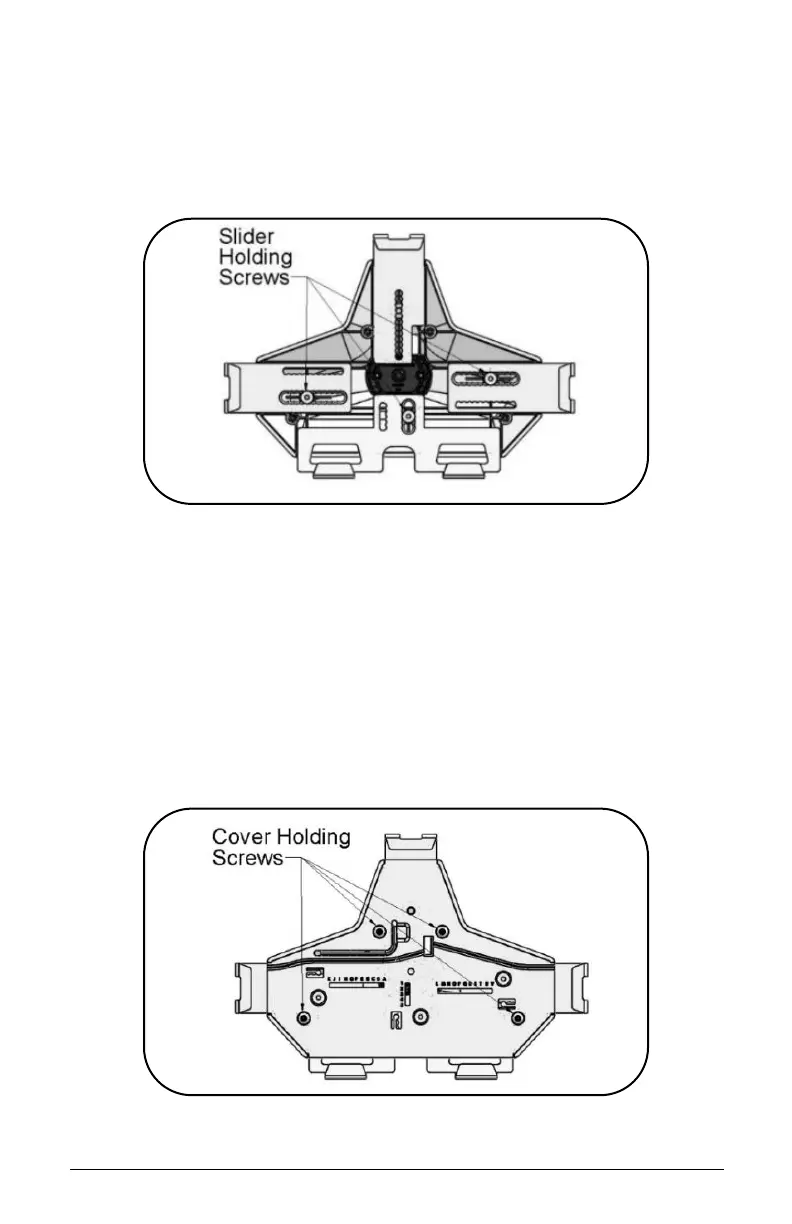
• Remove the four (4) sliders and replace with the set of
sliders from Hardware Pack.
• Install the three (3) Screws holding the sliders using the
1/8” Hex L-Key from the front of the cover.
• Put back the cover and install the four (4) screws removed
at step b) using the 1/8” Hex L-Key from the front of the
cover.
• Apply the set of felt pads supplied in the hardware pack on
top of the screws.
• Adjust sliders and install tablet, following the instructions
from Step 3A.



 To Next Page