S1/S2 Assembly Instructions – Rev N Page 18
10.2 SETTING PERSONAL COMBINATION NUMBERS
• Factory combination is set at 0-0-0
• Combination must be on opening numbers prior to
resetting.
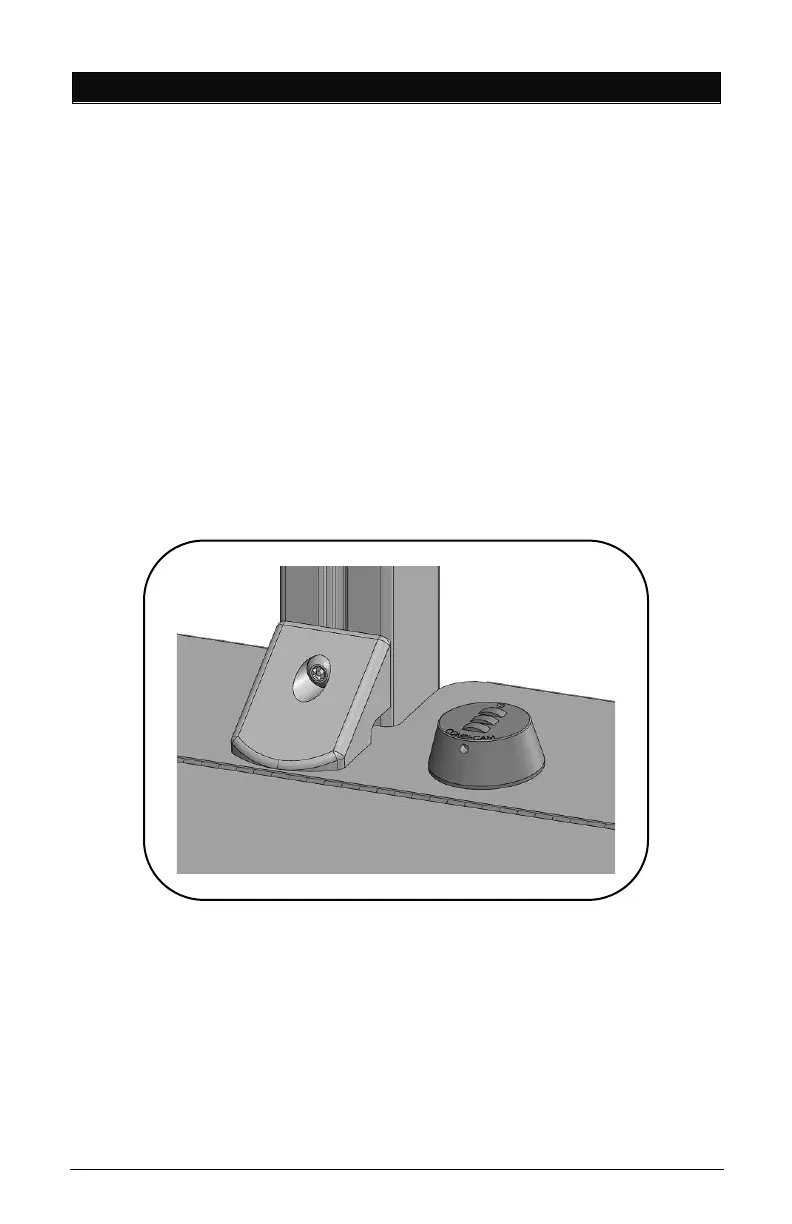
• You will find a hole on the outer ring for code reset, see
picture.
• Rotate lock until reset button comes into view.
• Push pin with paper clip or small pin and keep it pushed in.
• Set numbers to desired combination.
• Release button and your new combination is set.
To lock, rotate to ‘locked’ position, rotate one or more dials.
To unlock, rotate dials to personal combination and ‘unlock’.



 To Next Page