13
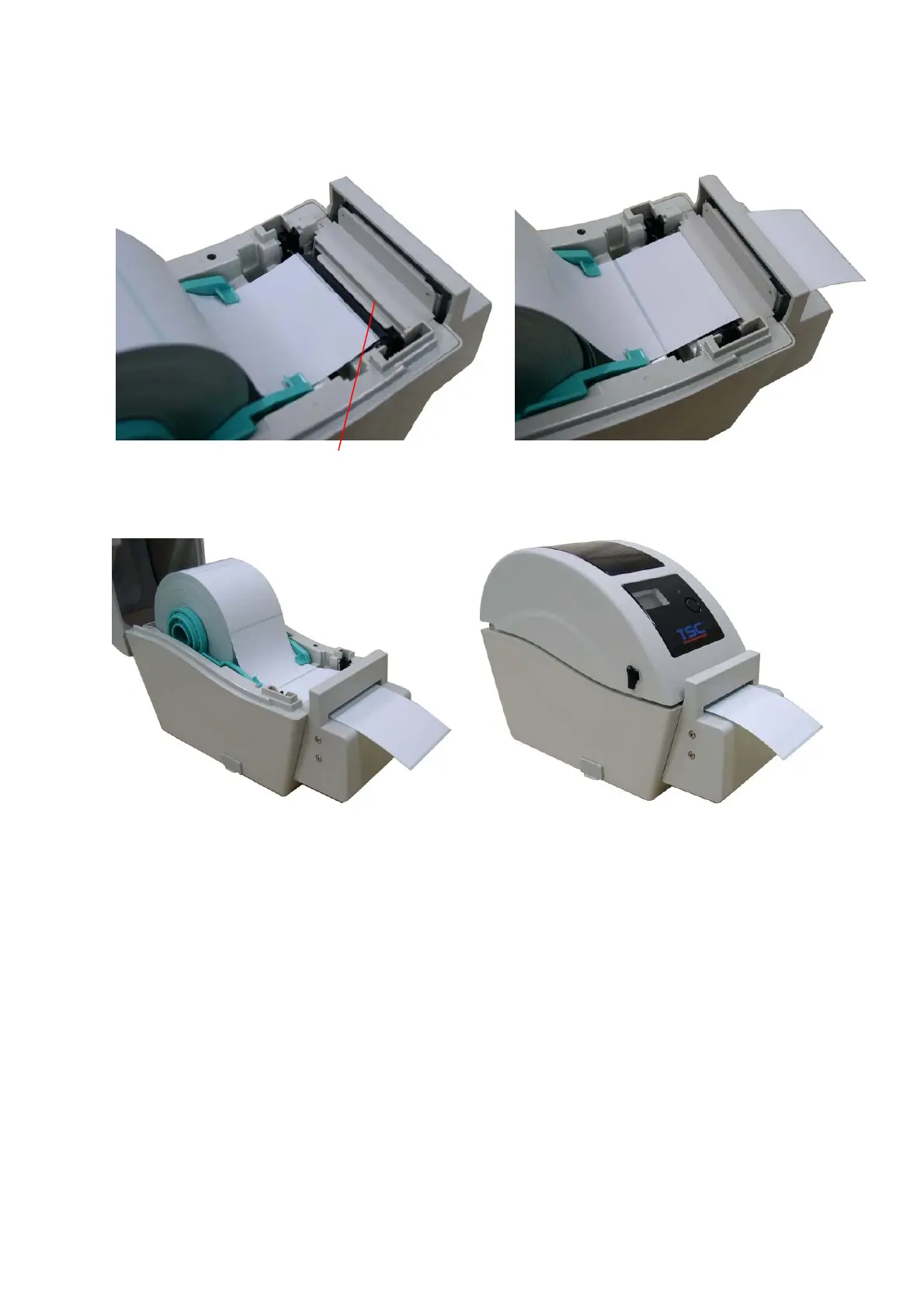
3.2.4 Loading Media in Cutter Mode (Option)
1. Refer to section 3.2.1 to load the media.
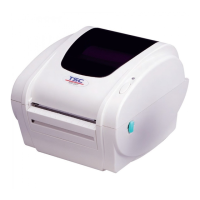
2. Lead the media through the cutter paper opening.
3. Close the top cover gently.
4. Use “Diagnostic Tool” to set the media sensor type and calibrate the selected sensor.
(Start the “Diagnostic tool” Æ Select the “Printer Configuration” tab Æ Click the “Calibrate
Sensor” button)
Cutter paper opening


 To Next Page
 Loading...