Quick Installation Guide
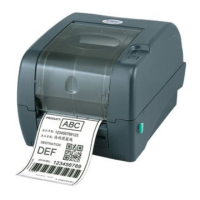
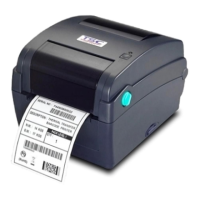
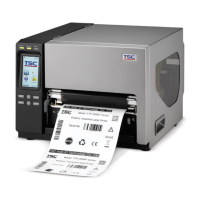
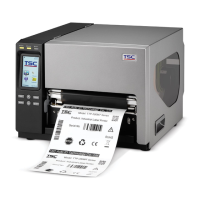
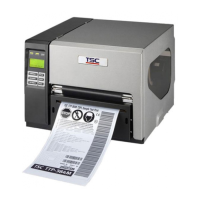
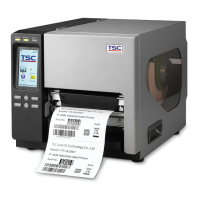
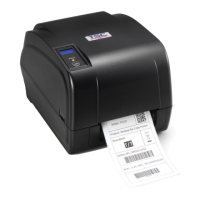
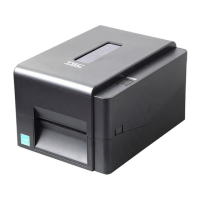
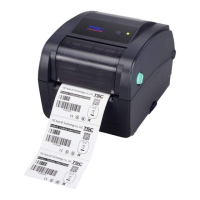
Printer Overview
Note: The interface picture here is for reference only. Please refer to the product specification for the interfaces
availability.
Loading the Ribbon
(1) Open the printer right side cover.
Push the print head release lever to
open the print head mechanism.
(2) Install the ribbon onto the ribbon
supply spindle. Thread the ribbon
through the ribbon sensor slot and
then through the open space in
between print head and platen.
(3) Wrap the ribbon onto the ribbon
rewind spindle. Keep the ribbon
flat and without wrinkles.
* Loading path for ribbon
(4) Wind the ribbon clockwise about
3~5 circles onto the ribbon rewind
spindle until it is smooth and
properly stretched.
(5) Close the print head mechanism by
pushing the both sides of print head
mechanism. Make sure the latches
are engaged securely.
(1) Break the ribbon between ribbon
guide plate and the ribbon rewind
spindle.
(2) Push the ribbon release button to
release the ribbon on the ribbon
rewind spindle.
(3) Then, slide off the ribbon from
ribbon rewind spindle.
Print head pressure
adjustment knobs
Internal rewind
spindle (Option)
Fan-fold paper
entrance chute

 Need help?

 To Next Page
 General