Quick troubleshooting Guide
TUN-QTSG-0519-EN_A3
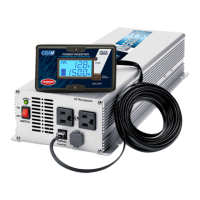
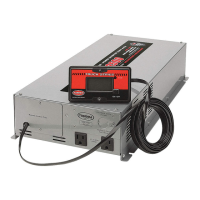
For power inverter models M1500 – M2000 – M2500 – M3000
ANNEX 3
Tel.: 450.649.2470 / 1.877.964.2582 Fax.: 1.888.855.9834
TUNDRAINVERTERS.COM
INSTALLATION – INSIDE THE CAB 2-8
FLOOR ADAPTERS – INSTALLATION
1. Remove the preinstalled nuts.
2. Insert one of the cables through the floor.
3. Lift the carpet and install its nut by hand.
4. Tighten the nut securely with adjustable pliers. (Do not overly tighten.)
5. Repeat steps 1 to 4 for the second cable.
6. Fold the carpet over the cables.
The cables should intersect between the floor
and the DC inputs of the power inverter. Please
note this when inserting cables through the floor.
This will allow attaching both cables together and
eliminate any possible vibrations of the cables,
which could lead to loosening of connections.
1
2
4



 To Next Page