2 7
English
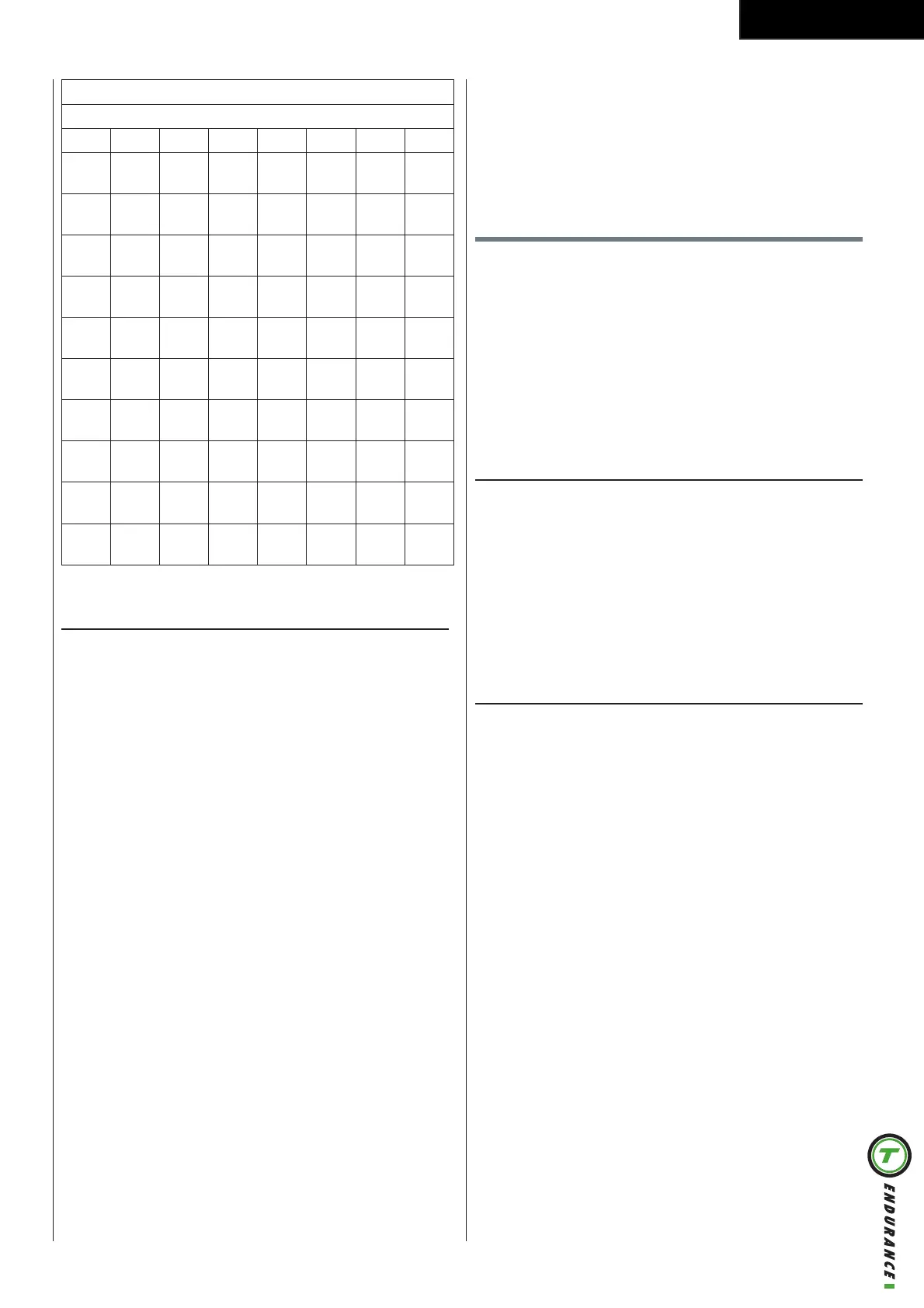
1 2 3 4 5 6 7
18-
19
<28 28-
32
33-
37
38-
42
43-
47
48-
52
20-
24
<27 27-
31
32-
36
37-
41
42-
46
47-
51
25-
29
<26 26-
30
31-
35
36-
40
41-
44
45-
49
30-
34
<25 25-
29
30-
33
34-
37
38-
42
43-
46
35-
39
<24 24-
27
28-
31
32-
35
36-
40
41-
44
40-
44
<22 22-
25
26-
29
30-
33
34-
37
38-
41
45-
49
<21 21-
23
24-
27
28-
31
32-
35
36-
38
50-
54
<19 19-
22
23-
25
26-
29
30-
32
33-
36
55-
59
<18 18-
20
21-
23
24-
27
28-
30
31-
33
60-
65
<16 16-
18
19-
21
22-
24
25-
27
28-
30
T-Road
- Turn the jog wheel and select
- Press the jog wheel to confirm and enter the Setting
- Turn the jog wheel and select your training track
- Press the jog wheel to confirm and enter the
- Press the jog wheel during workout to switch
In profile screen:
- The white dot line shows current position, which
- The orange curve shows the user’s actual heart rate,
which varies as the heart rate frequency goes up
and down
In video screen:
-
use the jog wheel button to switch
- The white icon + 0°in the left bottom of the screen
shows the incline level and it varies with the Profile
-
reaches the target value can leave the workout
screen
User settings
- Use the jog wheel to select one of the six available
- Press the jog wheel button for confirmation to enter
the selected item setting screen
User Log
You can view either the last training session data or a
Exit the training data by pressing
User setting
-
-
-
-
-
-
How to modify settings
-
- Press jog wheel to open selected item in right side
-
-
-


 To Next Page