Page 71 of 83 Pages
10. OPERATION
10.1 Turning on the autoclave
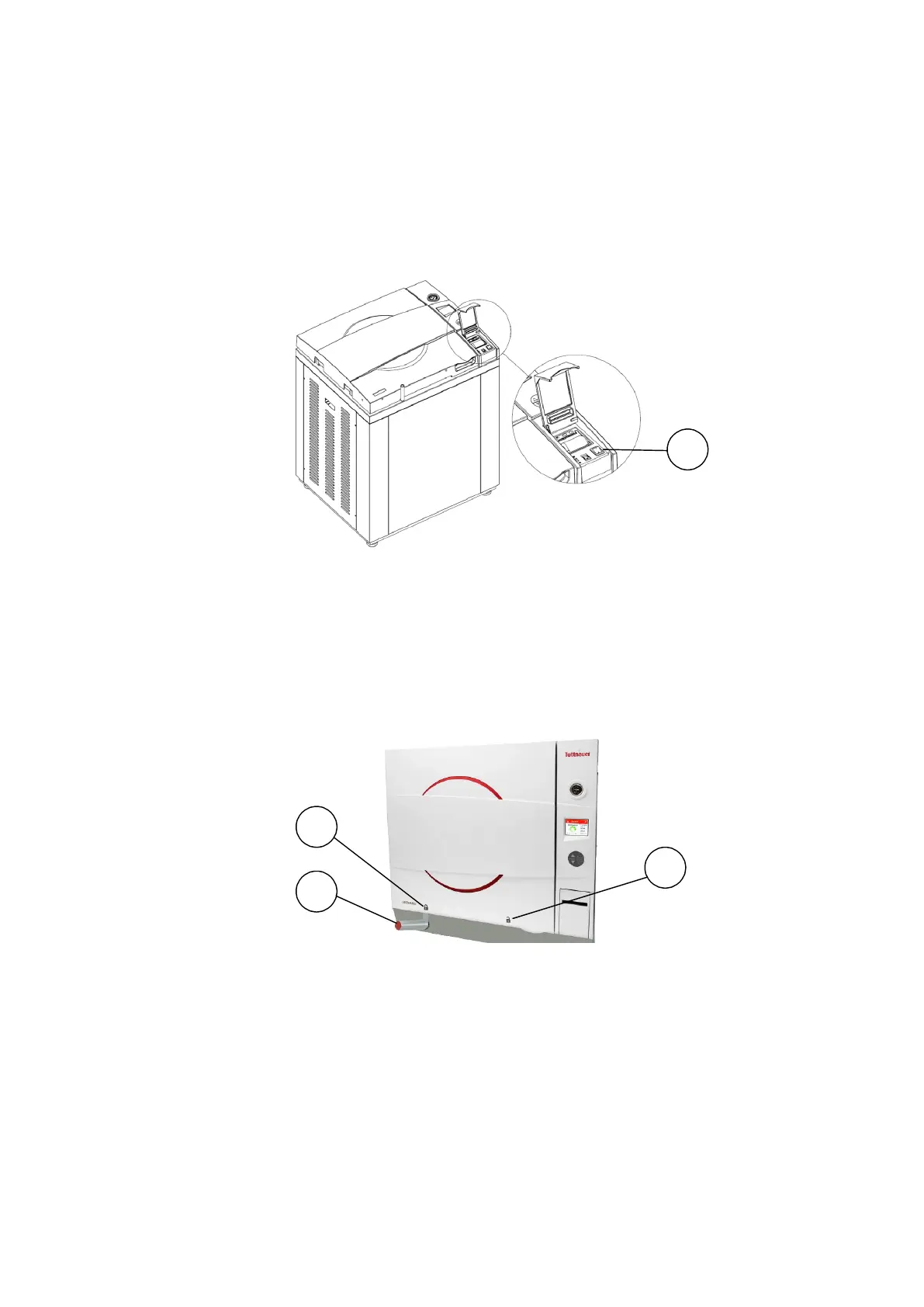
To start the system, turn on the main switch (1), located under the
printer cover.
The door is equipped with an electrical cylinder. This electrical cylinder
perform the automatic opening and closing of the door.
10.2 Opening the door
Move the door handle (1) from position "locked" (2) to position
"unlocked" (3).
Open the door.
1










 To Next Page