CAUTION
CAUTIONCAUTION
CAUTION
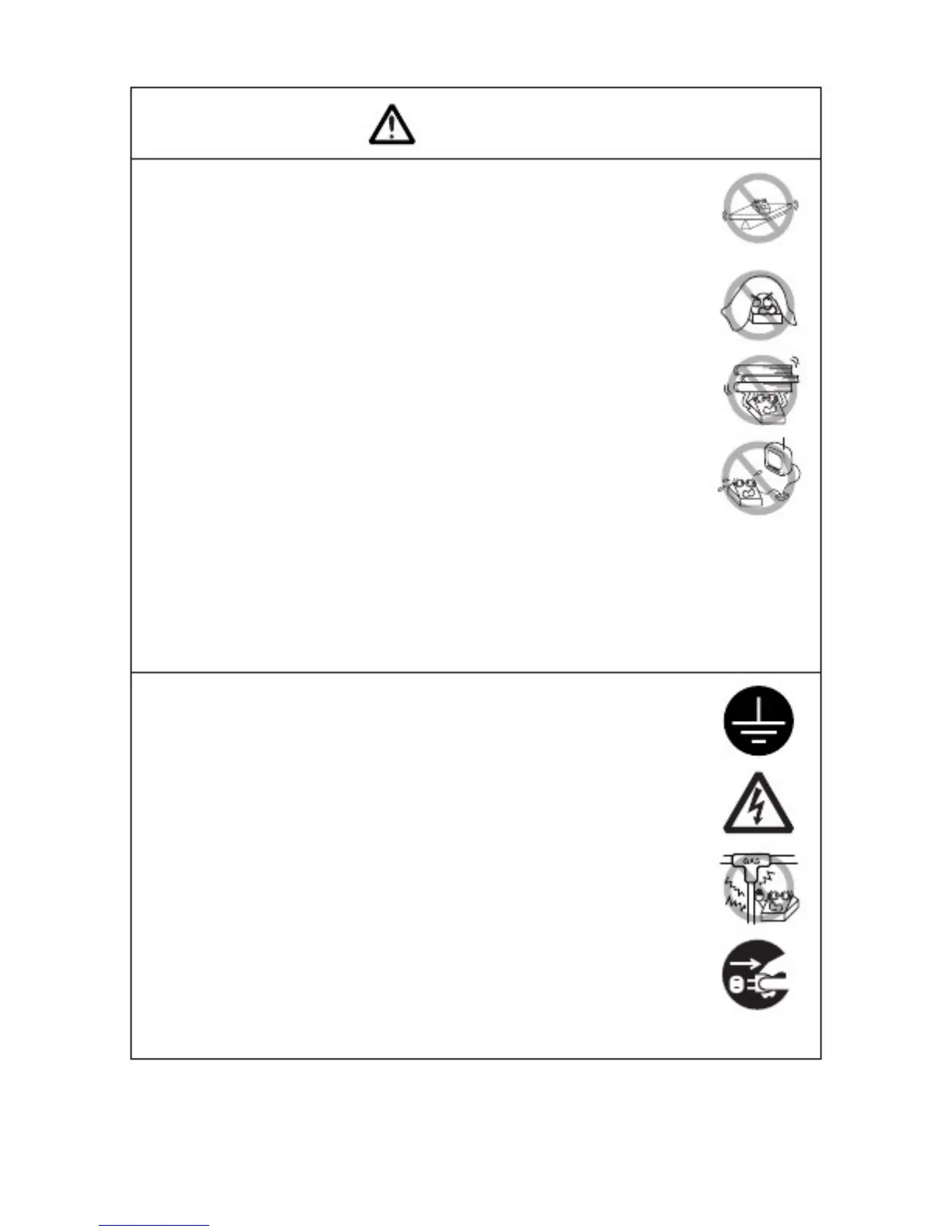
Do not use the printer under the following conditions.
■ A state subject to vibration or unstable state.
■ A state with this product slanted.
·
··
·
Otherwise dropping may cause injury.
Otherwise dropping may cause injury.Otherwise dropping may cause injury.
Otherwise dropping may cause injury.
·
··
·
Poor print quality may occur.
Poor print quality may occur.Poor print quality may occur.
Poor print quality may occur.
■ A state where the printer ventilation holes are obstructed by a nearby
wall or other equipment.
■ A state where any object is placed on the printer
■ A state where the printer is covered or wrapped by a cloth or bed
clothing
·
··
·
Be careful about internal heat buildup, which could cause fire and
Be careful about internal heat buildup, which could cause fire andBe careful about internal heat buildup, which could cause fire and
Be careful about internal heat buildup, which could cause fire and
deform the case.
deform the case.deform the case.
deform the case.
■ Avoid using the printer near a radio or TV set or from supplying it
from the same outlet as these appliances.
■ Avoid using the printer interconnected with a cable or cord that has
no protection against noise. (For interconnections, use shielded or a
twisted pair of cables and ferrite cores, or other anti-noise devices.)
■ Avoid using the printer with a device that is a strong source of noise.
·
··
·
The printer may have an adverse effect on nearby radio or TV
The printer may have an adverse effect on nearby radio or TVThe printer may have an adverse effect on nearby radio or TV
The printer may have an adverse effect on nearby radio or TV
transmissions. There may also be cases when nearby electrical
transmissions. There may also be cases when nearby electricaltransmissions. There may also be cases when nearby electrical
transmissions. There may also be cases when nearby electrical
appliances adversely influenc
appliances adversely influencappliances adversely influenc
appliances adversely influence the printer, causing data errors or
e the printer, causing data errors ore the printer, causing data errors or
e the printer, causing data errors or
malfunction.
malfunction.malfunction.
malfunction.
■ A state where this product is installed sidelong.
·
··
·
Malfunction, failure, or electric shock may result.
Malfunction, failure, or electric shock may result.Malfunction, failure, or electric shock may result.
Malfunction, failure, or electric shock may result.
■ Use the printer with its grounding post connected to a convenient
grounding facility.
·
··
·
If leakag
If leakagIf leakag
If leakage occurs electric shock may result.
e occurs electric shock may result.e occurs electric shock may result.
e occurs electric shock may result.
■ Do not connect the printer’ s grounding post onto any of the following
facilities:
* Utility gas piping
·
··
·
A gas explosion could result.
A gas explosion could result.A gas explosion could result.
A gas explosion could result.
* Telephone line ground
* Lightning rod
·
··
·
If lightning strikes a large surge of cu
If lightning strikes a large surge of cuIf lightning strikes a large surge of cu
If lightning strikes a large surge of current may cause fire or
rrent may cause fire orrrent may cause fire or
rrent may cause fire or
shock.
shock.shock.
shock.
* Utility water pipes
·
··
·
Plastic water pipes should not be used for grounding. (Those
Plastic water pipes should not be used for grounding. (ThosePlastic water pipes should not be used for grounding. (Those
Plastic water pipes should not be used for grounding. (Those
approved by a Waterworks Department may be used.)
approved by a Waterworks Department may be used.)approved by a Waterworks Department may be used.)
approved by a Waterworks Department may be used.)
■ Before connecting or disconnecting the grounding lead to or from
the printer, always unplug it from supply outlet.
—4—



 To Next Page