http://www.tyan.com
35
2.11 Installing the Power Supply
There are two (2) power connectors on your S5515 motherboard. The S5515
supports EPS 12V power supply.
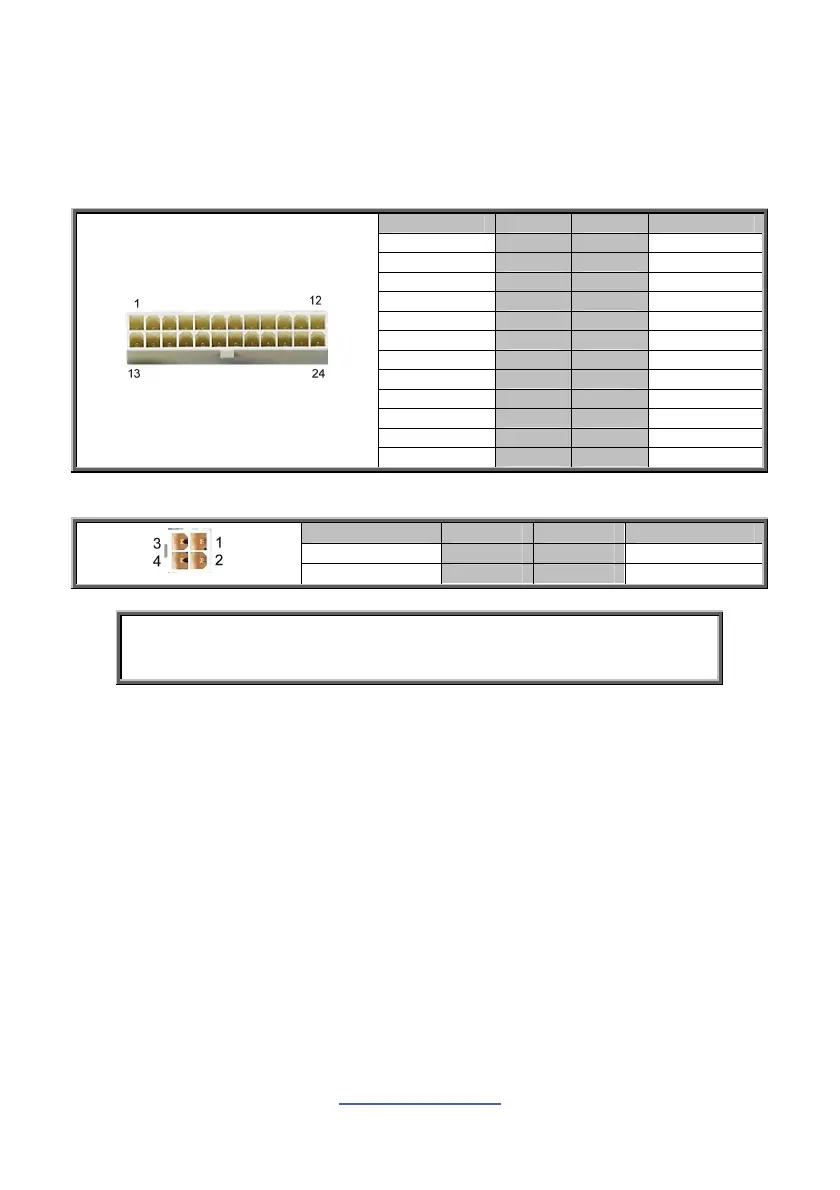
ATX24P_1: 24-Pin EPS 12V Power Main Connector
Signal Pin Pin Signal
+3.3V 1 13 +3.3V
+3.3V 2 14 -12V
GND 3 15 GND
+5V 4 16 PS ON#
GND 5 17 GND
+5V 6 18 GND
GND 7 19 GND
Power OK 8 20 Reserve
+5VSB 9 21 +5
+12V 10 22 +5
+12V 11 23 +5
+3.3V 12 24 GND
J24: 4-Pin EPS 12V Power Connector
Signal Pin Pin Signal
GND 1 2 GND
+12V 3 4 +12V
NOTE: You must unplug the power supply before plugging the power
cables to motherboard connectors.



 To Next Page