http://www.tyan.com
61
3.4.2.1 Graphics Configuration
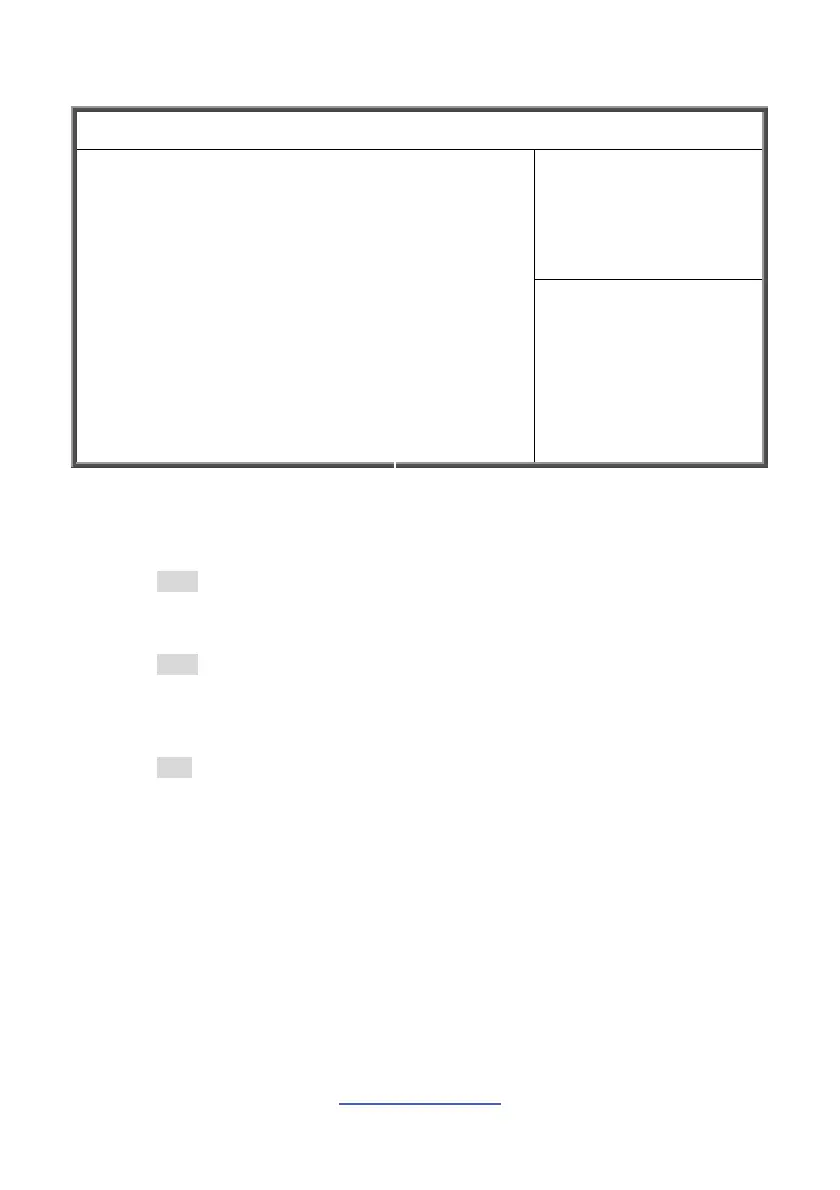
Aptio Setup Utility --- Copyright © 2011 American Megatrends, Inc.
Main Advanced Chipset Boot Security Save & Exit
Select which of
IGFX/PEG/PCI Graphics
device should be Primary
Display or select SG for
Switchable Gfx.
Initiate Graphic Adapter
Intel Internal Graphic
IGD Memory
LCD Control
[Auto]
[Auto]
[64M]
→←: Select screen
↑↓: Select item
Enter: Select
+/-: Change Opt.
F1: General Help
F2: Previous Values
F3: Optimized Defaults
F4: Save & Exit
ESC: Exit
Initiate Graphic Adapter
Select which of IGFX/PEG/PCI Graphics device should be Primary Display or select
SG for Switchable Gfx.
Auto / IGFX / PEG / PCI
Intel Internal Graphic
Keep IGD enabled based on the setup options.
Auto / Disabled / Enabled
IGD Memory
Select DVMT 5.0 Pre-Allocated (Fixed) Graphics Memory size used by the Internal
Graphics Device.
64M / 32M / 96M / 128M / 160M / 192M / 224M / 256M / 288M / 320M /
352M / 384M / 416M / 448M / 480M / 512M / 1024M



 To Next Page