http://www.tyan.com
82
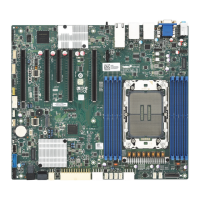
Fan and Temp Sensor Location:
1. Fan Sensor: It is located in the third pin of the fan connector, which detects
the fan speed (rpm)
2. Temp Sensor: CPU MOS Area, PCH Area, DIMM Ambient and PCI-E
Ambient. They detect the system temperature around.
NOTE: The system temperature is measured in a scale defined by Intel, not
in Fahrenheit or Celsius.
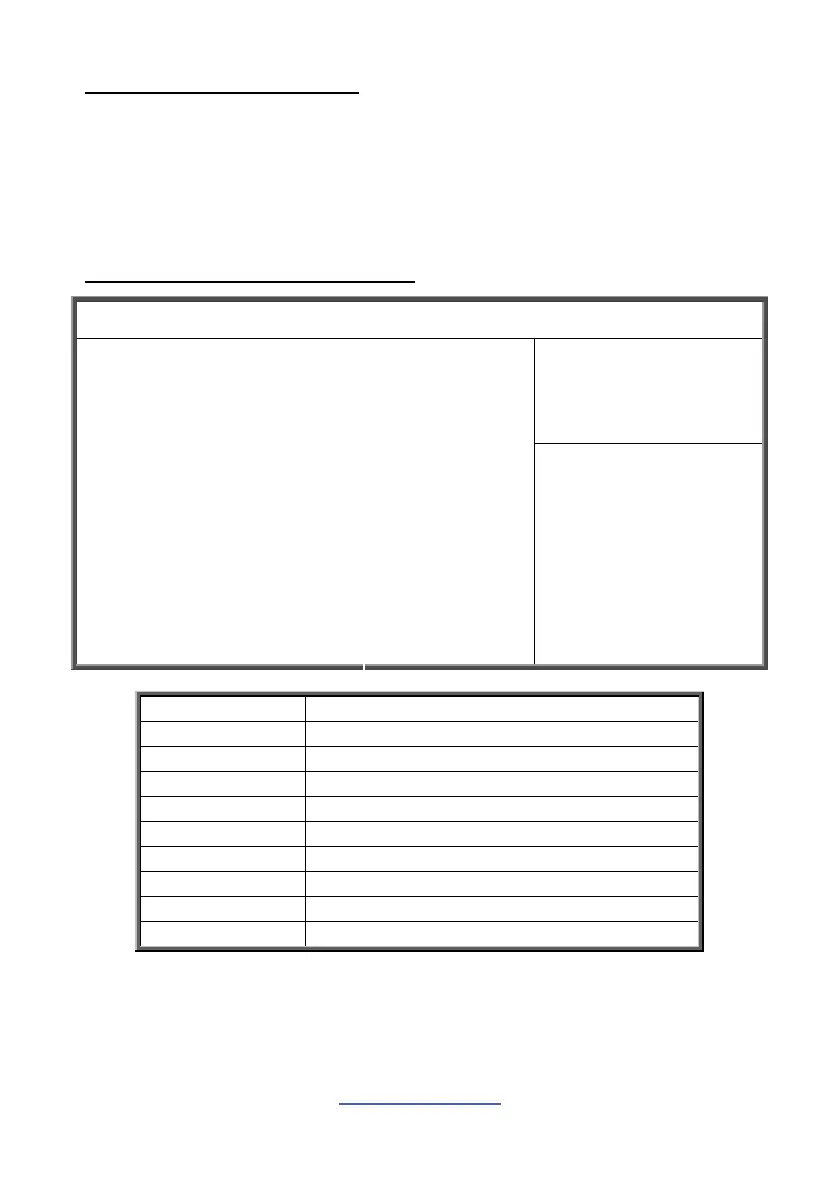
BIOS Temp Sensor Name Explanation:
Aptio Setup Utility --- Copyright © 2011 American Megatrends, Inc.
Main Advanced Chipset Boot Security Save & Exit
PC Health Status
CPU DTS Temp
CPU below Tmax
CPU MOS Area
PCI-E Ambient
PCH Area
DIMM Ambient
CPU_Fan
Front_Fan
Rear_Fan
VCORE
VBAT
3.3V
5V
12V
xx
xx
xx
xx
xx
xx
xx
xx
xx
xx
xx
xx
xx
xx
xx
→←: Select screen
←↓: Select item
Enter: Select
+/-: Change Opt.
F1: General Help
F2: Previous Values
F3: Optimized Defaults
F4: Save & Exit
ESC: Exit
BIOS Temp Sensor Name Explanation
CPU DTS Temp Temperature of the CPU Digital Temperature Sensor
CPU below Tmax Temperature Range below CPU allowable Tmax
CPU MOS Area Temperature of the CPU MOS Area
PCI-E Ambient Temperature of the PCI-E Area
PCH Area Temperature of the PCH Area
DIMM Ambient Temperature of the DIMM Area
CPU_Fan Fan Speed of CPU_Fan
Front_Fan Fan Speed of Front_Fan
Rear_Fan Fan Speed of Rear_Fan



 To Next Page