To prevent accidental electrocution, make certain that the
floor surfaces surrounding the unit are dry whenever power
is removed from, or applied to the unit.
1.
Make certain the unit is not plugged into an electrical outlet.
2.
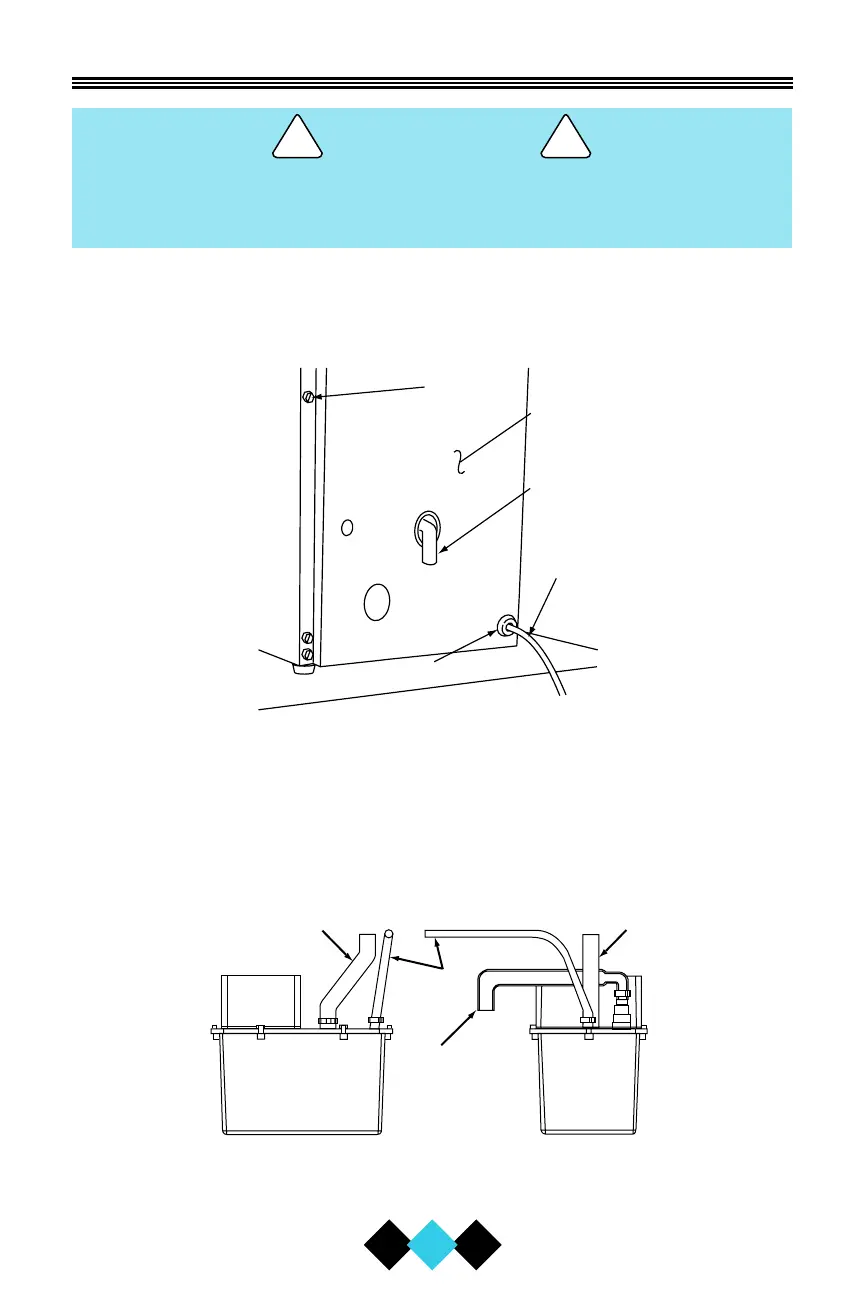
Using a screwdriver, carefully push the power cord grommet
through the hole in the back panel.
3.
Using a screwdriver or 1/4
"
nut driver, remove 12 screws and back
panel.
4. Check that the clamps and hose connections are tight at the fol-
lowing areas:
• Discharge tube (A)
• Drain tube (B)
• Vent tube (C)



 To Next Page
 Loading...