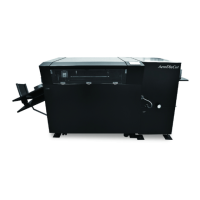
(6) Paper slant adjustment
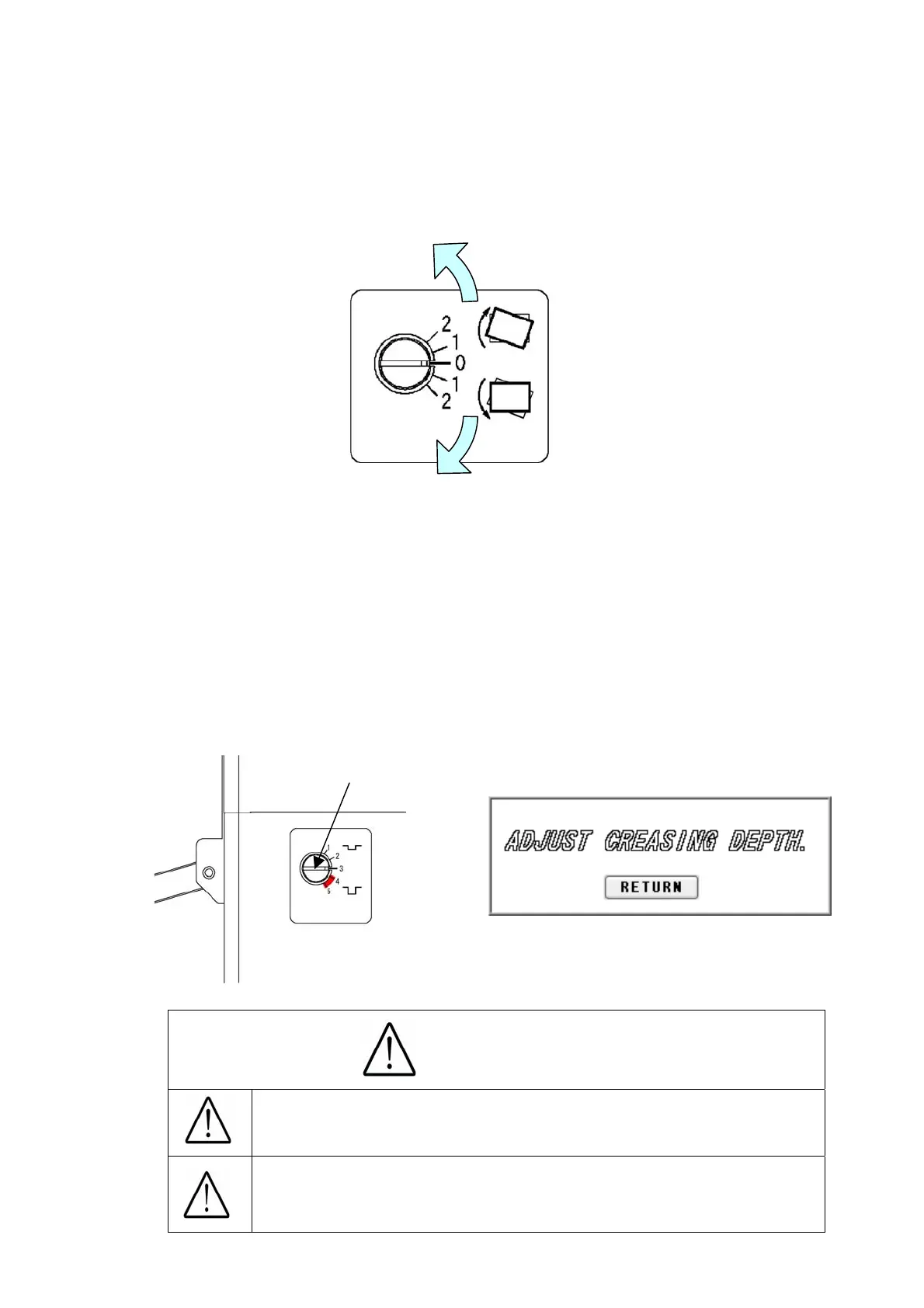
① When the printing is tilted, turn the dial as shown in the drawing below to make it straight.
② Turning the dial counter-clockwise will tilt the paper to the right, whereas turning it
clockwise will tilt the paper to the left.
(7) Crease depth adjustment
① The sign shown in the drawing below will be displayed when using the creaser.
② Turn the dial shown in the drawing below to adjust the crease depth.
③ The depth will become the most shallow by choosing Level 1 and the deepest by
choosing Level 5.
④ When selecting Levels 4 and 5, be careful of the paper thickness. Placing the crease too
deep may cause a paper jam or a mechanical failure when the paper is thick.
Dial
Caution
14
Avoid the combined use of the creaser and the perforator,
as it may cause a paper jam or a machine failure.
When selecting Levels 4 and 5, be careful of the paper
thickness. Placing the paper too deep may cause a
paper jam or a machine failure when the paper is thick.


 To Next Page