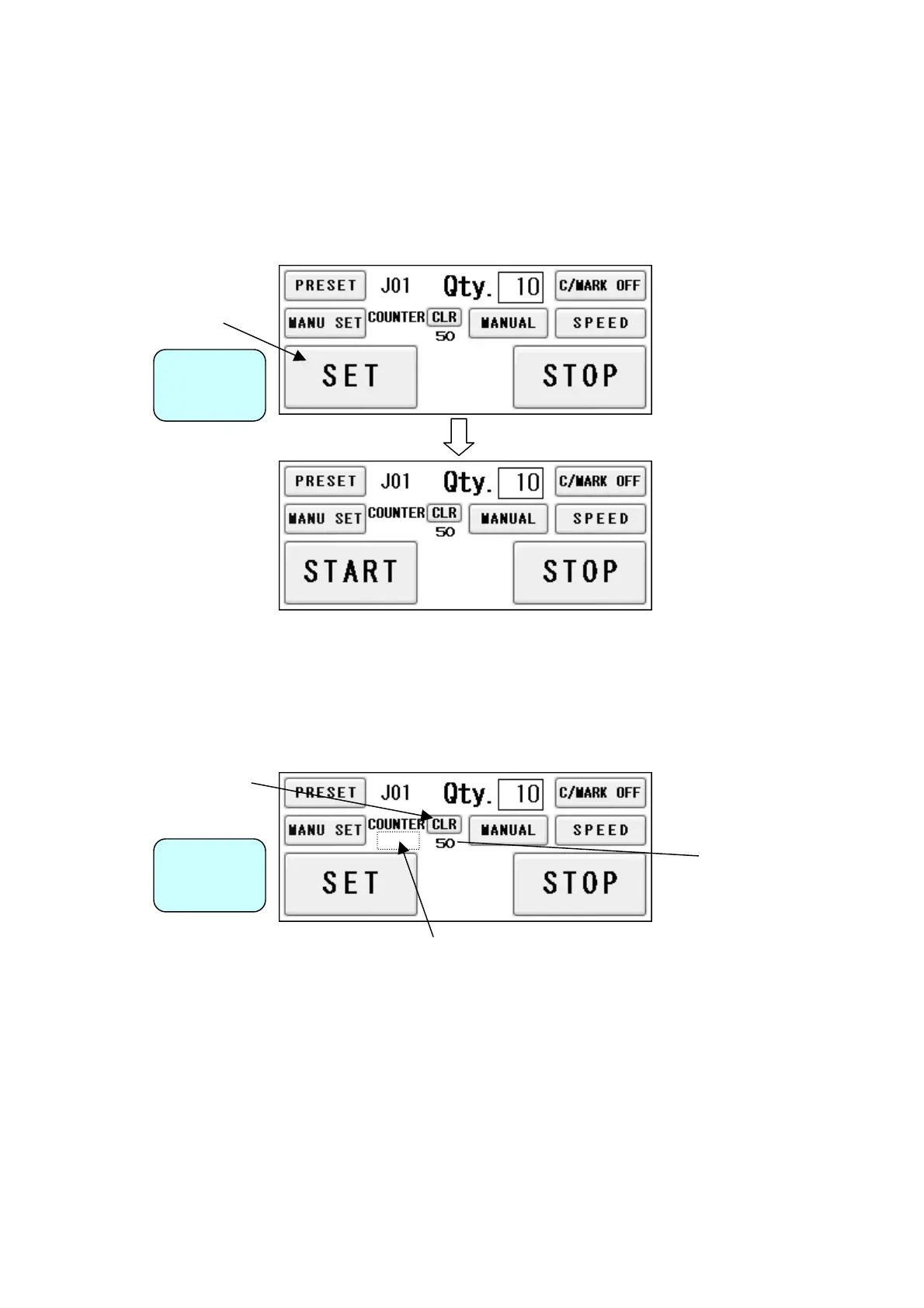
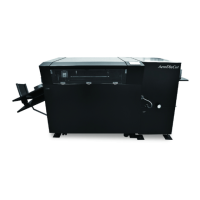
(7) Setting of slitter and feed table
① By pressing SET, the feed table will be lowered to the bottom dead point and the slitter will
move to the operating position.
② The display will change from SET to START upon completion.
Operation
Screen
(8) Operation number cancellation
① The total number of processed sheets are counted. Press CLR and hold to clear the
number. You can change the
Total number.
Total number of
operated sheets
Operation
Screen
You can make a little adjustment on
Total number.
23


 To Next Page