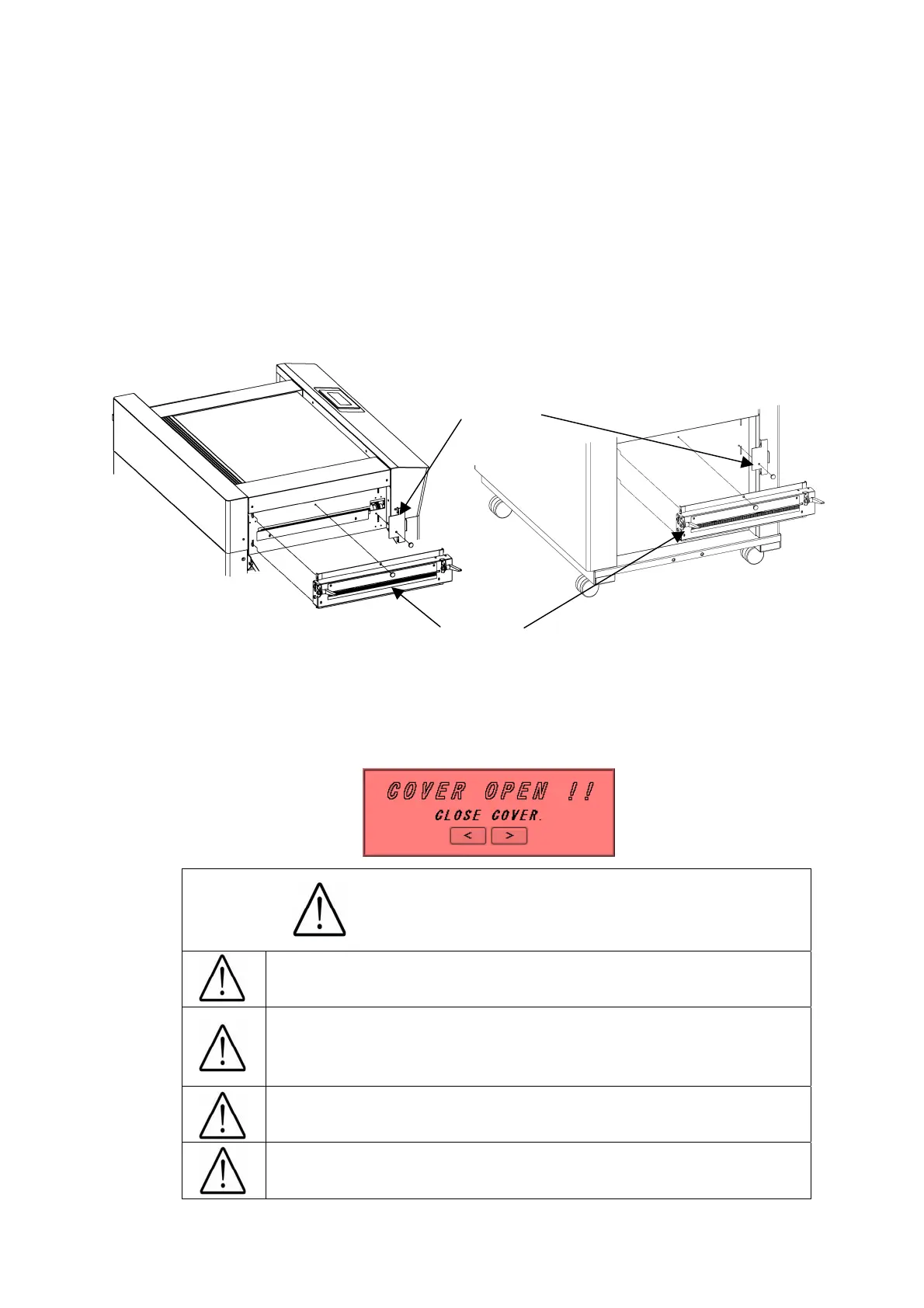
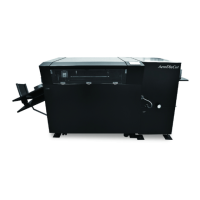
(8) How to attach the perforator
① Power it off.
② The perforator is stowed below the feed table.
③ Detach the gear cover located at the paper exit and attach the perforator.
④ The gear cover can be attached where the perforator was initially placed.
⑤ The target paper weight for the perforator is 65 lbs (Cover stock) [176 g/㎡]or less.
⑥ The combined use of the perforator and the creaser on the same paper may cause a paper
jam or a mechanical failure.
Perforator
Gear cover
Caution : Be sure to install Gear cover or Perforator unit !
For safety reason, machine doesn't work with cover open, or if these parts are not in
place.
Caution
Power it off. Otherwise,
15
Injury could occur.
The maximum paper weight for use is 65 lbs (Cover
stock) [176 g/㎡] for the perforator. Using a heavier
paper may cause a paper jam or a mechanical failure.
Combined use of the perforator and creaser may
cause a paper jam or a mechanical failure
Attach the gear cover when the perforator is not in use,
as it may cause injury.


 To Next Page